
On Wednesday 16 September, Google opened a door between your smart home and outside AI assistants — the helpers you may already chat with on your phone. Here is what changed, who it applies to, and the one list worth checking.
If you have a doorbell, a thermostat, a smart speaker or smart lights at home, this touches you sooner or later. The good news is that nothing switches on by itself.
What is actually going on
Google has started testing something called Home MCP. In plain language: it is an open connection that lets an AI assistant from another company talk to the devices connected to your Google Home. Google Home is Google’s app and system for connected home devices — lights, plugs, cameras, doorbells, thermostats and speakers.
MCP stands for Model Context Protocol. Think of it as a standard plug shape: when two pieces of software use the same shape, they fit together without anyone building a special cable. Google is putting that plug on your smart home so different assistants can ask it questions and give it instructions.
Google’s announcement names Google Antigravity, Claude, Hermes and OpenClaw, and news reports add ChatGPT to the list. Those are AI assistants built by different companies, a little like choosing between messaging apps on the same phone network.
Once connected, an assistant can list your rooms and devices, check whether something is on right now, look through what happened in the past, switch devices on and off, and pull together moments from several cameras. One example Google gave: asking your assistant what your child did after coming home from school.
Google’s own assistant, Gemini for Home, is not being replaced. It stays the built-in voice on Nest speakers and in the Home app; Home MCP adds another layer beside it.
For now the test is small. It is limited to the United States, to people who pay for Google Home Premium Advanced at 20 US dollars a month, and it reaches subscribers over the coming weeks rather than all at once. Setup is not a one-tap job either: Google asks people to create a Google Cloud project first, which is developer-style work.
Why it matters to you
Your smart home does not only do what you tell it. It also keeps a record: when the lights went on, when the doorbell rang, when the house was empty, how many loads of laundry you ran. An assistant that can read that history learns your daily routine — and your routine is exactly what a burglar or a scammer would like to know.
There is a second difference too. A normal app can watch. An assistant can act. If it controls your devices, a misunderstanding becomes a real action in your home instead of a wrong answer on a screen.
Google says it added protections: limits on how often an assistant may act, and a rule that assistants are not allowed to unlock doors. Even so, Google’s own product manager for Home and Nest, Taylor Lehman, warned that connecting an assistant to your home ‘can result in unexpected or even undesired behavior’.
What you can actually do
- Remember that nothing is connected until you approve it. If an assistant asks to connect to your Google Home, you will see a Google sign-in screen with a list of what it wants. Read that list before you approve anything.
- Never type your Google password into a chatbot. Google’s own flow sends you to Google’s sign-in page; a chat window asking for your password is a warning sign.
- Check what already has access. Open myaccount.google.com/linkedapps on your phone or laptop — it also sits under your Google Account’s data and privacy settings — and remove apps you do not recognise or no longer use.
- When you are at home, look at your rooms and lights and ask: which of these would I mind an outside company knowing about?
Common misunderstandings
Myth: Google has handed AI the keys to my house
Nothing connects on its own. An assistant reaches your devices only after you sign in and grant permission, and you can cut the link whenever you want from your linked apps page. Google also says the connection will not let an assistant unlock doors.
Myth: This is only about turning lights on and off
The bigger change is the data. An assistant can question the history of your devices and cameras, and that history adds up to a timeline of your household.
Myth: Google’s own assistant is being replaced
It is not. Gemini for Home stays the built-in assistant for the Home app and Nest speakers. Home MCP is an extra layer for people who prefer a different assistant.
What to watch for next
Expect the door to open wider. Google would not say whether the connection will reach cheaper plans or other countries, and more AI companies will ask for the same access in the coming months.
Also expect the scam version. Messages and adverts promising to ‘switch on AI for your home’ are an obvious next step for fraudsters. A real connection starts inside the assistant or the Google Home app — never from a link you did not expect.
The one thing to remember
Your smart home is not only a set of switches. It is a diary of your daily life, and anything you connect to it can read that diary. Read the permission list before you tap Allow, and tidy up your linked apps every few months.
Where this comes from: Google’s official Home MCP pages for users at developers.home.google.com/mcp, plus reporting by The Verge and TechCrunch on 16 September 2026.
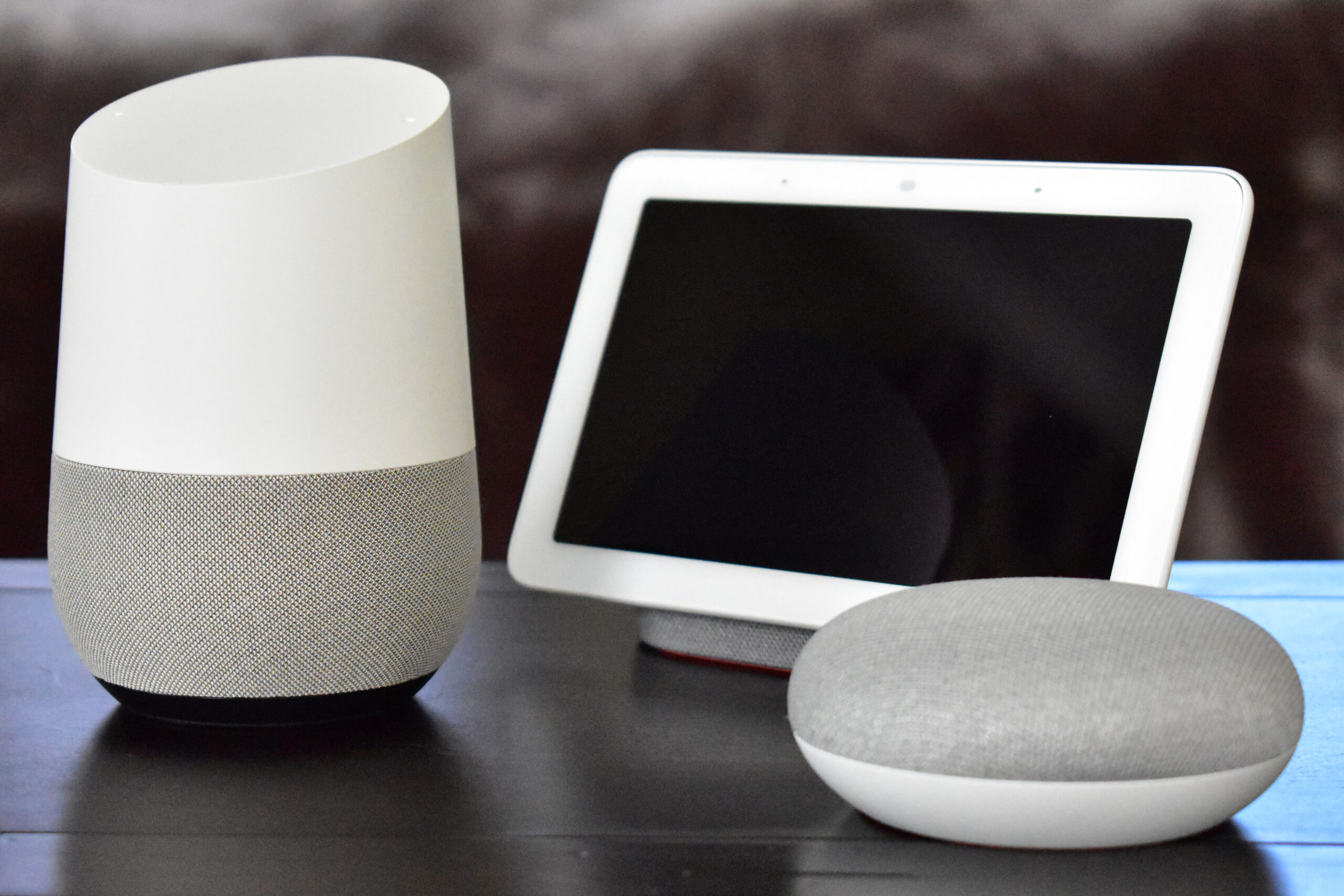
Image credits: ‘Google Home with Home Hub and Home Mini on table’ by Y2kcrazyjoker4, via Wikimedia Commons, licensed under CC BY-SA 4.0 (creativecommons.org/licenses/by-sa/4.0). The photo is unmodified apart from resizing.