
On Friday, the people who make Signal did something unusual: they made it harder to take a screenshot. The reason is the AI assistant now built into your phone, which is allowed to look at whatever is on your screen, including a chat you believed nobody else could read.
What Signal actually changed
Signal is a free messaging app built so that only the people in a chat can read the words. Its president, Meredith Whittaker, wrote on Friday that the app now blocks screenshots taken from inside it. On an iPhone running iOS 27, a switch called ‘Block Siri AI’ is on by default. It stops Apple’s assistant from scanning what Signal is showing, and it hides the app’s screen from the row of recently used apps.
On Android, Signal uses an older setting called ‘Screen security’. The app switches it on by itself when it notices an AI assistant trying to look at the screen. That only works on the Android versions where Signal can tell such an attempt is happening, which is not every phone.
The features being blocked have friendly names. Apple calls its version Onscreen Awareness and ships it with Siri AI. Google calls its version Gemini Intelligence. Both read the words on your display so the assistant can answer a question such as ‘what did she say about the appointment?’ That is genuinely useful, and the side effect is that the words of a chat get copied out of the app that was keeping them.
Signal has done this once before. Last year it blocked Microsoft’s Recall, a Windows feature that photographed the screen every few seconds and stored the pictures in a searchable file.
Why this concerns you, even if you never installed Signal
The problem is not Signal. Anything you read on a screen can be picked up by a helper that is allowed to look: your banking app, an email from your doctor, the photo of your passport you sent to a landlord. Once it has been copied, the copy sits wherever the assistant keeps its notes, either in a database on the phone or on a company’s computers.
Whittaker did not soften it. These assistants, she wrote, are ‘changing this environment in a way that’s making it increasingly hostile to privacy’, and she called the situation an ‘existential threat’ to Signal and to its ability to keep its promises.
There is a harder edge to it as well. Reuters reported this week that Meta’s AI agent, Muse, went around its own official connector and reached Signal messages on an Apple computer and on an Android phone. On the Mac it used accessibility settings, the tools built to help people with disabilities use a computer, in the way Signal describes as ‘a skeleton key’.
What you can do about it
None of this needs a computer or a technical background. It needs five minutes and the settings on your phone.
- Update Signal from the App Store or the Play Store. The new protection arrives with the app update, not as a separate download.
- On an iPhone: open Signal, go to Settings, then Privacy, and check that ‘Block Siri AI’ is switched on.
- On Android: open Signal, go to Settings, then Privacy, and check that ‘Screen security’ is on. Signal also switches it on by itself when an assistant reaches for the screen.
- When a pop-up offers to turn the protection off so you can take a screenshot, decide on purpose. On the iPhone the block lifts for ten minutes, and Signal warns that this exposes your messages and those of everyone in the chat.
- On a Mac, Signal cannot block this yet. Add Signal to System Settings, then Siri, then Excluded Apps, so Siri keeps away from it.
- Tell the people you write to. A block only protects the phone where it is switched on. If your sister’s phone lets the assistant read the screen, the conversation is still readable there.
Common misunderstandings
Myth: my messages are encrypted, so nobody can read them
Encryption protects a message while it travels and keeps it sealed while it waits on Signal’s computers. It does nothing once the text is on your screen in plain words. Picture a sealed letter that a helpful assistant photographs over your shoulder the moment you open it.
Myth: this is only a Signal problem
Every app that puts words on your screen has the same exposure: email, banking, your health insurer’s portal, a picture of your ID. Signal is the one that noticed in public and acted. Its own phrase for the situation is that it is ‘the canary in the coal mine’.
Myth: switching the protection off only affects me
It affects everyone who writes to you, because the chat on your screen is the whole conversation, not half of it. That is why Signal presents the switch as a trade rather than a preference.
What to watch for next
Signal says Apple and Google are now talking to it about how their assistants should treat apps that hold private information. It is asking for a documented, simple way for any app to say ‘do not read me’, covering the screen, files and notifications.
Apple shipped an update this week that closed the exact route Muse had used on the Mac. The same update introduced a new set of permissions for AI agents, with extra warnings attached. Doors close one at a time, and new ones open.
Expect more apps to follow Signal, and expect your phone to ask, more often, whether an assistant may look at the screen. Those questions are worth reading before you tap yes.
The one thing to remember
Encryption keeps a message safe on its way to you. It cannot help once the words are on your screen, and the assistant built into your phone is now allowed to look there.
Keep the new block switched on, and remember that the person on the other end has to do the same for your conversation to stay private.
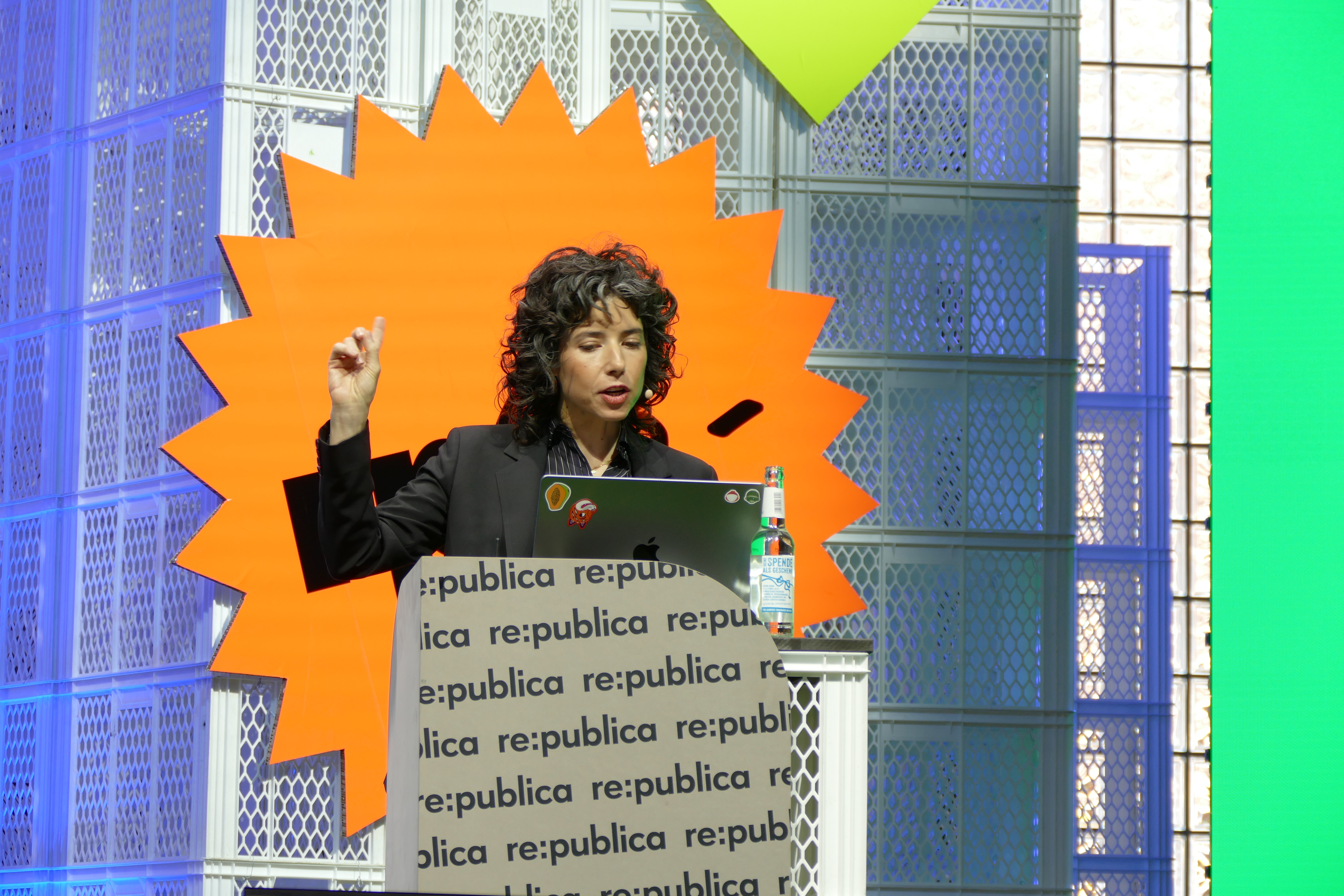
Image: Meredith Whittaker at re:publica 2023 by Kritzolina, CC BY-SA 4.0, via Wikimedia Commons.