
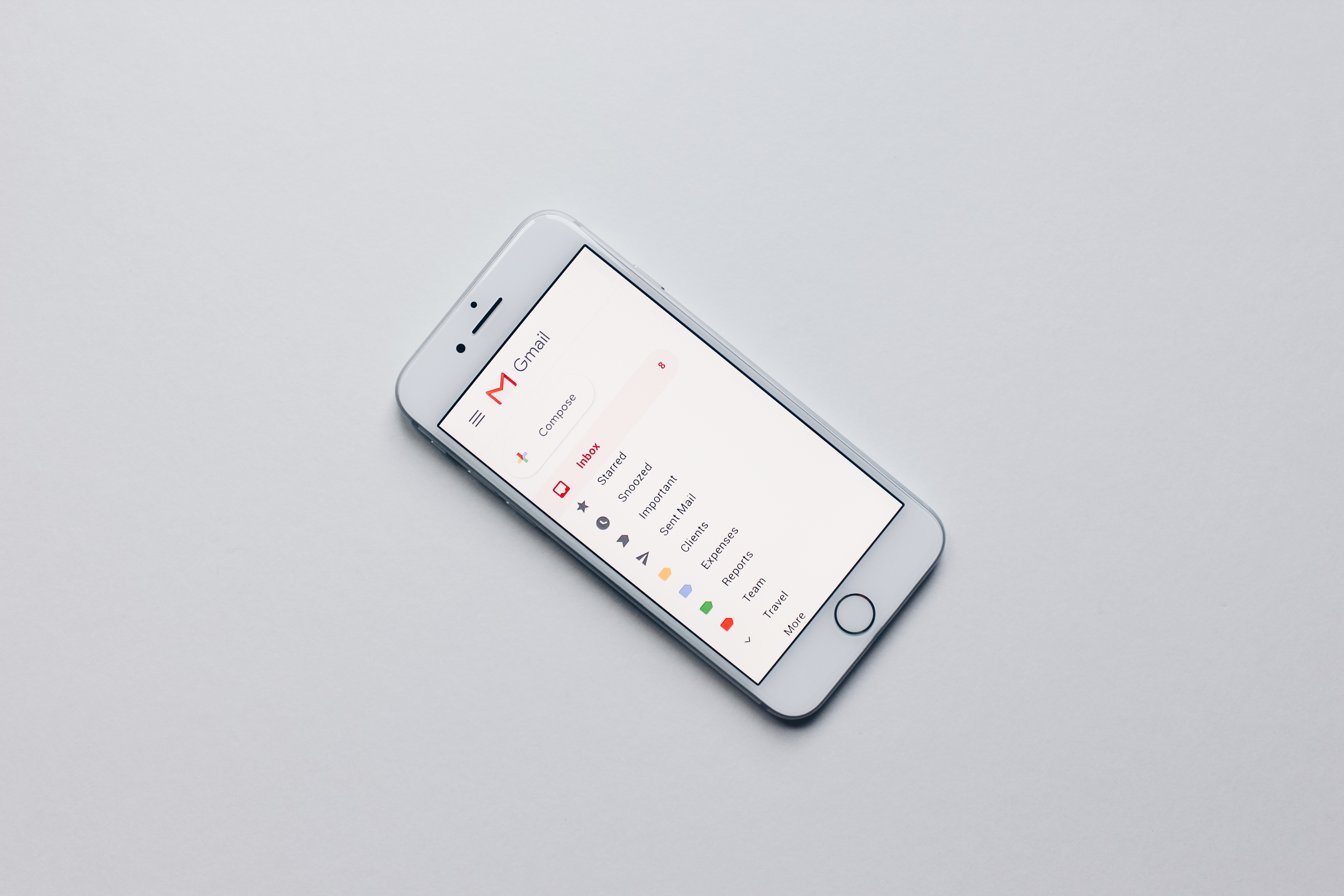
For nine years Google’s privacy policy said one clear thing about your Gmail: the contents would never be used to decide which ads you see. On 16 October, that promise was given a way out.
What Google actually changed
Google rewrites that document from time to time, and the old wording was blunt. “We don’t show you personalized ads based on your content from Drive, Gmail, or Photos.” Full stop.
The October version keeps the sentence and adds a condition to the end of it: “unless you choose to make data from these services available to other Google services that support personalized ads.” A handful of extra words, and the promise is no longer absolute.
A second new paragraph explains the route. If you let Search or the Gemini app read your Gmail, Drive or photos, the policy says Search “may process some of the data that you allow Search to access to personalize content, including ads.”
The setting behind the “unless”
The thing you would have to switch on is called Personal Intelligence. Google added it to Gemini in January, and it answers a fair complaint: an assistant that knows nothing about you is not much use. Turn it on, and Gemini or the AI answers in Search can look inside your own Google apps before replying.
Ask it to plan a weekend away and it can pull the hotel confirmation out of your inbox, or the photos from your last trip, and work from them. That is genuinely handy. It is also the only route by which your inbox reaches the advertising side of Google, which is why the two changes arrived together.
Why it matters to you
Think about what is actually in those apps. Your inbox holds bank statements, appointment confirmations, invoices, delivery notices and arguments with your landlord. Your photo library holds faces, children, flats you nearly rented and places you have been.
Google is careful to say that advertisers never receive any of it. They do not get your photos, your emails or your name. What they buy is access to a profile, and building that profile is Google’s job, so the conclusions Google draws from your files can decide which ads follow you around.
It is the librarian who never shows anyone your borrowing history, but orders your next book from it. Nothing was leaked. Everything was used.
What you can do about it
- Find out whether it is on. Sign in at myaccount.google.com, open Data & privacy, then Personalization settings, then Manage Personalized Recommendations in Search Services.
- Look for Additional Personal Intelligence and open Connected Content apps. Disconnect Google Workspace (Gmail, Drive, Calendar) and Google Photos if you do not want your AI answers built from them.
- If you want no personalised ads at all, switch Personalized Recommendations off on that same page. The answers get blunter, and the profile stops growing.
- Repeat it inside the Gemini app: open Settings, then Connected apps, and disconnect anything you do not want it reading.
- Delete what was already saved. At activity.google.com, delete your Search Services History and your Gemini Apps activity. Switching a feature off stops future use; it does not clear the past by itself.
- Next time a free feature offers to read your mail to become more useful, read what it asks for before you tap Connect. That is where the trade is actually made.
Common misunderstandings
Myth: Google is reading my emails and selling them
Not selling, and not handing anything over. Advertisers get no access to your inbox or your photo library, and Google still refuses to target ads on health, religion, race or sexual orientation. What changed is what Google itself may conclude from your data and then use to choose ads.
Myth: this affects everyone right now
It does not, and in Germany it does not apply yet at all. Google’s own help page lists the countries where connecting your apps works, and Germany is not on that list; the feature is a beta for adults, opened country by country. The policy sentence, though, is global and already live, and the setting it describes will reach here when the feature does.
Myth: switching it off undoes what was already learned
The switch stops future use. It does not erase the history that Search and Gemini have already stored, and that history has to be deleted separately, which is why the fifth step above matters as much as the switch.
What to watch for next
Google has started testing ads inside AI Mode, the AI answer page in Search, so the link between your data and the ads you see has room to grow. Expect the same “unless” trick in other companies’ privacy policies too; adding a condition is a common way to change a promise without announcing a change.
The test stays boring and reliable. When a free service offers to make itself more useful by reading your mail, your files or your photos, look for the sentence that says what happens to that data afterwards.
The one thing to remember
Your Gmail is not being sold, and no advertiser can see inside it. But the promise that it would never influence your ads now carries a condition, and that condition is a switch you can check in about two minutes. Go and look at where it is set.
Image credit: “Gmail app” by Stock Catalog, Wikimedia Commons, licensed under CC BY 2.0.