
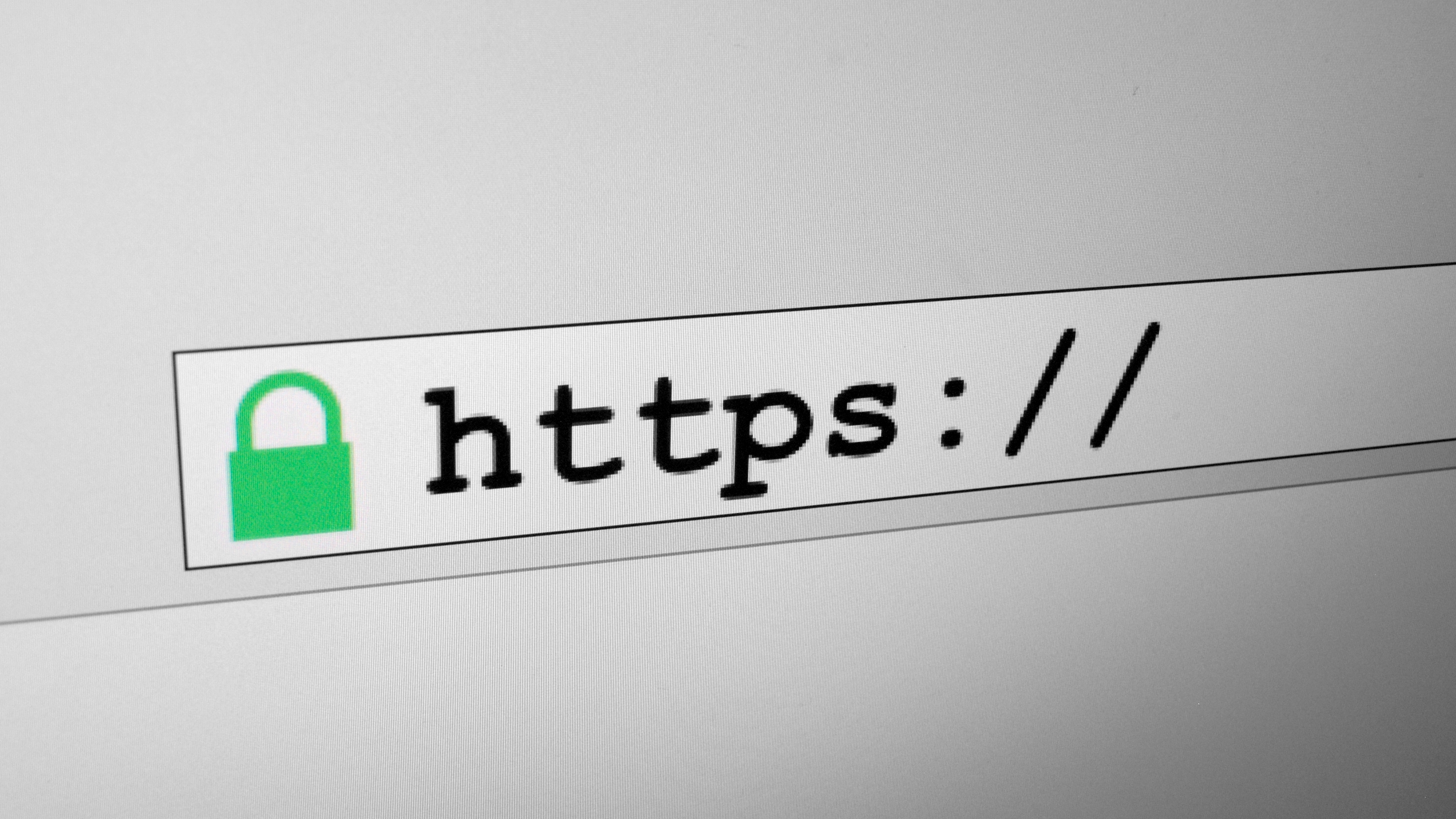
You know the little padlock beside a web address. It is there to tell you that the page in front of you really belongs to your bank, your email, or the shop you meant to visit. This week it turned out that one of the companies behind that promise had been handing out stamps whose secret was the number 4.
What actually happened
When your browser opens a website, it asks the site to show a certificate. A certificate is a short document, a little like a stamped passport: it says this address belongs to this company, and somebody checked. The stamp comes from one of a small number of companies, called certificate authorities, that every browser and phone is built to trust.
On Saturday evening, a researcher reported that eight certificates from one of those companies, an Indian firm called eMudhra, had secrets anyone could guess. Not long passwords that would take centuries to break. The number 4. Another was 56. Another 115.
He proved it by signing a message with each one, the way a forger proves he can copy a signature. Mozilla, the organisation behind Firefox, worked the same numbers out again on its own that evening, in minutes and without his help.
That matters because a certificate is what lets a browser accept a website. Anyone holding one of those eight secrets could have made a certificate for any address in the world, your bank included, and a browser would have treated it as genuine.
Why it matters to you
The padlock is what stands between your password and whoever else is using the same café wifi. Without it, somebody sitting nearby can quietly slip into the middle of your connection: you type your bank’s address, you land on a page that looks exactly right, and what you enter goes to them.
That is the worst case, and it is worth saying plainly that nobody has shown it happened. The certificates were blocked within hours. By Tuesday every major browser and both phone systems had refused them, and eMudhra says the eight were never used to issue a certificate for a real website, which public records of such certificates appear to confirm.
So this is not a story about a bank being robbed or your savings disappearing. It is a story about a lock. The alarm around it worked; the lock itself was a joke.
What you can actually do
- Update your browser this week. In Firefox: the menu button, then Help, then About Firefox. In Chrome: the three dots, then Help, then About Google Chrome. If it says it is up to date, you are done.
- Update your phone and laptop too. Apple blocked these certificates on 19 October, Microsoft on 20 October. On an iPhone: Settings, General, Software Update. On Windows: Settings, Windows Update.
- Know which part of the address to read. The padlock tells you the line is private, not that the company is honest. Before you type a password or a card number, read the name just before the first single slash after the two slashes.
- Reach your bank yourself. Type the address, open the app, or use a bookmark you saved earlier. Not the link in an email, a text message or an advert.
- Stop when a warning appears. From 27 October, Chrome stops trusting the company’s older root, so a few small websites may show “not secure” for a while. Do not click through that warning. Close the tab and find the company another way.
- Act quickly if you are unsure. If you have already typed card details into a page you now doubt, call the number printed on your card, ask them to block it, and change the password on that account.
Common misunderstandings
Myth: someone hacked my bank
No bank, shop or website was broken into. A company that hands out the trust stamps made a mistake in its own office, and the mistake was found before it was used. The danger was real; the break-in was not.
Myth: my browser handled it, so there is nothing to do
Browsers blocked these certificates within about three hours, and Firefox users needed no update or restart at all. But that protection only reaches software that still asks for updates. A laptop or phone that stopped receiving them years ago never got the message, and that is the device that stays open.
Myth: a security warning means I am under attack right now
Usually it means something duller: a certificate that expired, a hotel or café wifi page asking you to sign in, or a small business that forgot to renew. Dull is not the same as harmless, though, and the safe move is the same in every case. Leave the page and come back to the company another way.
What to watch for next
Chrome removes the company’s older root on 27 October, and eMudhra says around 30,000 of its certificates have to move to another provider. Expect a few broken pages and expired-certificate warnings on smaller sites over the next two weeks.
The harder question is how eight keys this weak stayed trusted by every phone and computer for eighteen months. The answer is uncomfortable: the system leans on the companies checking their own work, and this one was caught by a researcher reading public records, not by an inspection.
The one thing to remember
The padlock means nobody can read what you send. It has never meant that whoever is at the other end is honest, or that the company guarding that promise is perfect.
So keep doing the boring things: update your devices, reach your bank yourself, and stop when a page tells you something is wrong.
Image: “HTTPS and padlock in website address bar” by Santeri Viinamäki, Wikimedia Commons, CC BY-SA 4.0.