
There is now a way to sign in to your email and your social accounts that a fake login page cannot steal. It takes two minutes to switch on, and the police have just told the public to do it.
What police just told everyone
On 5 October, Report Fraud — the service that handles online crime reports in the UK — warned about a sharp jump in hacked accounts. Money stolen from hacked email and social media accounts rose from £1.2 million to £6.3 million in one year, a rise of 417 per cent. Reports went up by a third.
Most reports had the same shape. Someone’s account is broken into, and then the criminal writes to that person’s friends and family pretending to be them, asking for money or selling tickets that do not exist. “For most people, being hacked isn’t just a cyber issue, it’s personal,” said Chief Superintendent Amanda Wolf, who runs the service. Her advice was plain: switch to passkeys wherever a service offers them.
What a passkey actually is
A passkey is a way of signing in without a password at all. Instead of typing a word you have to remember, you unlock your account the way you unlock your phone: with your fingerprint, your face, or your phone’s PIN.
Underneath it works like a key cut in two halves. One half stays inside your phone and never leaves it. The other half is kept by the website. When you sign in, the two halves check each other, and only then does the door open. Nothing secret is typed, so there is nothing for a fake page to catch.
That is the point. Today, when a fake login page copies the real one and you type your password into it, the criminal now has your password. With a passkey the fake page gets nothing, because the half of the key it needs is on your phone, and your phone will only hand it to the real website.
Germany’s federal cyber security agency, the BSI, tells consumers they can switch without hesitation when a service they trust offers a passkey.
Why this matters to you
Your email is the master key to everything else. Password resets for your bank, your insurance, your shopping accounts and your social media all arrive there. Once someone is inside your inbox, they can ask for a new password almost anywhere, and the confirmation lands right in front of them.
The damage does not stop with you either. The UK figures show the most common follow-up is criminals posing as you and asking the people who trust you for money. Your friends believe it, because it comes from you.
How to switch yours on
- For a Google Account — Gmail, YouTube, Android — open g.co/passkeys, sign in, choose “Create a passkey”, then unlock your phone. You also find it under Security & sign-in, then Passkeys and security keys.
- On an iPhone, iPad or Mac, passkeys live in iCloud Keychain. Turn it on under Settings, then your name, then iCloud, then Passwords and Keychain.
- For GMX and WEB.DE, the German email providers that switched passkeys on for around 38 million people: mailbox settings, then Account verwalten, then Login & Sicherheit, then Passkeys anlegen und verwalten.
- Only set up a passkey on a device you own and lock. On a shared computer, anyone who can unlock it can reach your account.
- Keep your password and your recovery phone number and email address. A passkey does not delete them, and you will want them if your phone is lost.
- Add a passkey on a second device too, so one lost phone is not a lost account.
- Where a service does not offer passkeys yet, switch on two-step verification — a code in addition to your password.
Common misunderstandings
Myth: I will lock myself out
Adding a passkey does not remove your password, your recovery email or your recovery phone number, and you can delete a passkey again at any time. Passkeys can also be synced: if your phone disappears, signing in to the same Google or Apple account on a new phone brings them back.
Myth: I have nothing worth stealing
Your account is not valuable for what is in it. It is valuable because it opens everything else, and because your contact list is a ready-made list of people who trust you.
Myth: My fingerprint gets sent to Google
No. Google’s own help pages say your fingerprint or face data stays on your device and is never shared. What travels across the internet is a mathematical answer, not your fingerprint.
What to watch for next
Passkeys are not everywhere yet. Dashlane’s 2026 report, published on 13 October, measured how often people use them: roughly 28 per cent of logins at Google, 18 per cent at PayPal, 17 per cent at Amazon and 8 per cent at eBay.
Microsoft is moving the same way, and from late October it starts letting people register a passkey as their very first security step. Expect the offer to appear more often. When a service you trust asks, the answer is yes.
The one thing to remember
A password is a secret you type, and anything you type can be typed into a page that only looks like the real one. A passkey is never typed. It stays on the device in your pocket and answers only the real website. Start with your email.
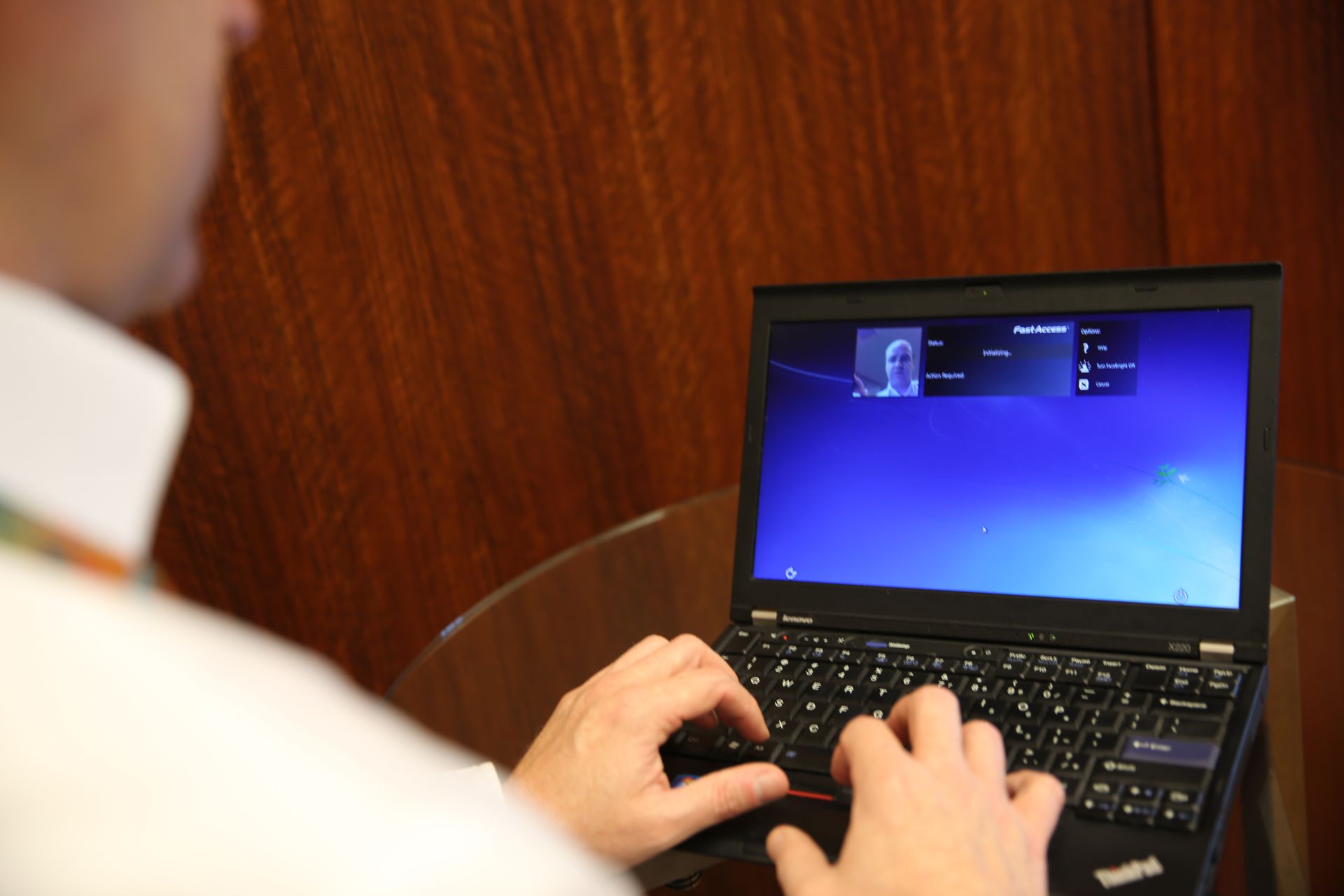
Image: “Facial login as password using laptop camera” by Intel Free Press, via Wikimedia Commons, CC BY-SA 2.0. Sources: Report Fraud, the BSI, Dashlane’s Passkey Power 20 and Google Account Help.