
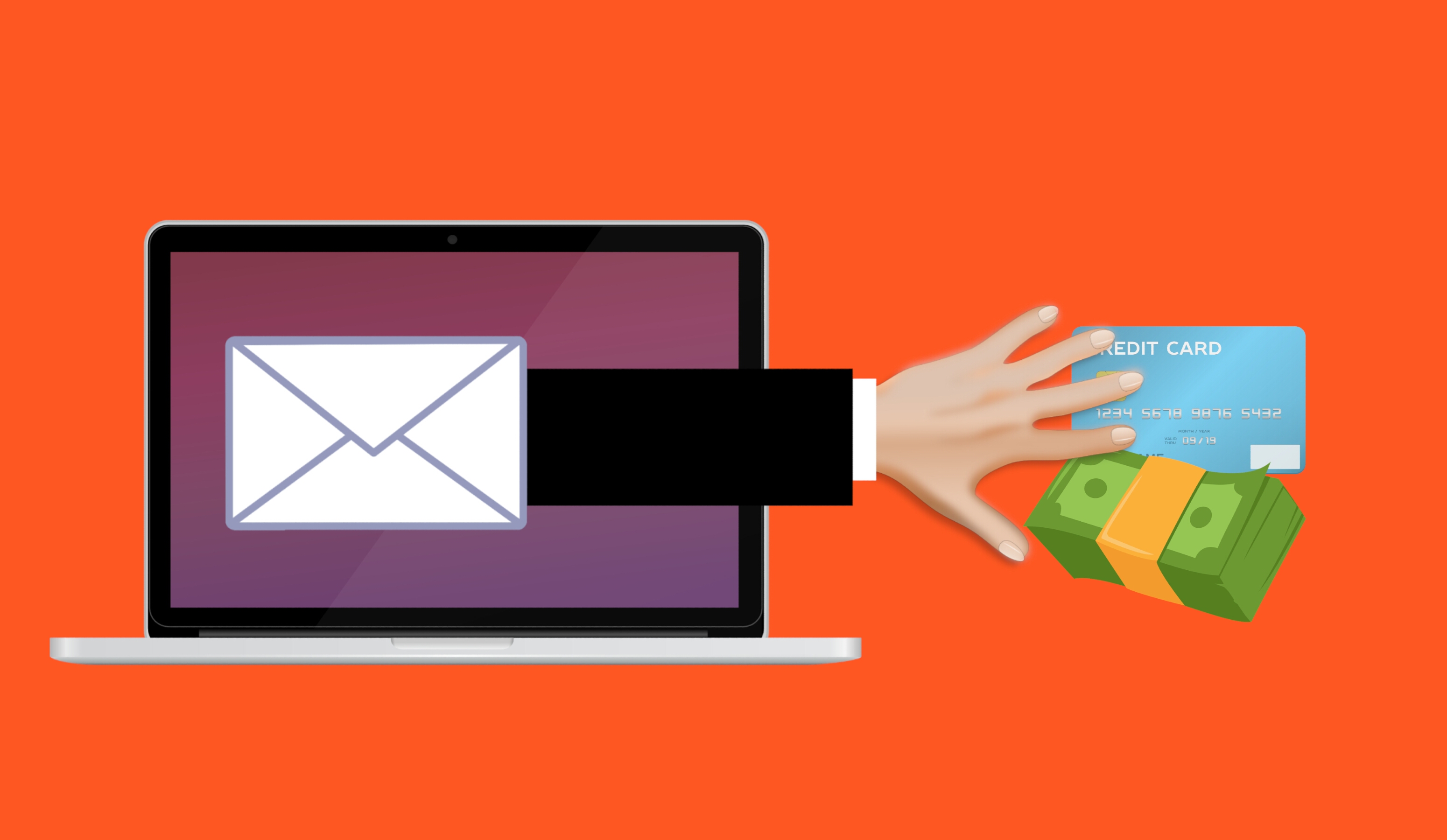
A warning from Google about your account is one of the few emails most people open without a second thought. This month, real inboxes got one of those warnings, and Google had not sent it.
What actually happened
On 1 October, a man in France opened an email with the subject “Security alert”. It said an app password had been created for a Gmail address he did not recognise, and that his account “may be compromised”. Underneath sat a blue button marked “Check activity”, the same shape and colour Google uses.
The email came from no-reply@accounts.google.com, and Gmail added no warning to it. The link opened a page on sites.google.com, a free Google tool that lets anyone with a Google account publish a page. It was titled “google.com”, showed a message about performing a security check, and asked the visitor to tick an “I am not a robot” box.
It was a trap. The point was to get him to type his Google password into a page controlled by a stranger, and then take over his Google and YouTube accounts. He spotted it, reported the email to Google, and wrote about it. His post passed five million views in a few days.
Why the usual checks do not help
Almost every piece of advice about fake emails says the same two things: check who sent it, and check where the link goes. Both checks pass here.
The sender really was a Google address, and the link really did lead to a website Google owns. Anyone can publish on Google Sites, and other large companies host user-made pages the same way. A trusted address tells you who hosts a page, not who wrote it.
The trick has history. In April 2025, attackers set up a real Google account and gave it a name built out of the phishing text, so Google itself sent a genuine security notice, which they then forwarded to the people they were targeting. It carried a valid Google signature and arrived with no warning at all. Google later said it had shut that route down. Microsoft reported a similar case in September 2026.
Why it matters to you
Your email account is the spare key to everything else you own. Password resets for your bank, your phone contract and your social media all land in that inbox. Anyone who can read it can ask to reset almost every other account you have, and can write to your family and friends in your name. Getting the account back is often harder than losing it.
What you can actually do
- Open your account yourself, never through the email. Close the message, open the Google app or type myaccount.google.com into a new browser tab, and look at your recent security activity.
- Treat a password manager’s offer to fill in your login as a hint, not proof. It means you have signed in on that website before, and nothing more.
- In Gmail, open the email, tap the small arrow beside the sender’s name and read the “mailed-by” line. On this one it said fwd.privateemail.com, not a Google address.
- Never call a phone number that arrives inside an alert. Find the company’s number yourself, or open its app.
- Turn on two-step verification or a passkey. They make a stolen password useless on its own.
- If you did type your password, change it from your account, sign out any device you do not recognise, and change it anywhere else you used it.
Common misunderstandings
Myth: I would spot a fake one
This one looked right in every way that is easy to check: the real sender address, a Google web address, no warning from Gmail. The only oddity was the layout of the button, and that takes a careful second look. Scammers need one tired or worried moment, and they time their messages for it.
Myth: The padlock proves the page is safe
The connection was secure and the web address was Google’s. Both of those describe the connection and the hosting, not the person who wrote the words on the page. A locked front door does not tell you who is inside the house.
Myth: There is nothing in my account worth stealing
An inbox is worth stealing on its own. It can reset your other accounts, and it holds order confirmations, invoices and old messages, which is enough to pretend to be you to your bank, your employer or your family.
What to watch for next
A cyber security firm in Israel, Fisherman Security, warned this week about another version of the same fake alert. This one says hackers in Iran are trying to reach into your account, and tells you to call a phone number for help. Some of those numbers start with 1-809, chosen because it looks like the familiar 1-800 prefix. Calling one can run up a large phone bill, or connect you to someone whose only job is to get your password.
Expect fewer clumsy mistakes and more pressure to act fast, with more of it arriving on your phone than your laptop.
The one thing to remember
You cannot tell a real security alert from a fake one by looking at it. The sender can be genuine, the web address can be genuine, and the design can be perfect.
So stop judging the message and start ignoring it. When an alert arrives, open the app or type the company’s address yourself. A real warning will be waiting there, because a real warning lives in your account, not in the email.
Image: “Scam phishing fraud email attack” illustration by Mohamed Hassan, CC0 1.0, via Wikimedia Commons.