
You never gave them your password. Nobody asked for it. This week the security industry put a number on that quieter kind of theft: 52 billion stolen passes to people’s accounts, found in data circulating online in a single year.
First, what a cookie actually is
When you sign in to a website, the site hands your browser a small file called a cookie. It holds a temporary pass, so the next page you open already knows it is you. Without it, you would type your password again every time you clicked something.
The version that does this job is called a session cookie. Think of a key card left in the lock of your hotel door: it opens because the card is sitting there, not because anyone looked at your face. The moment you log out, the card is wiped and is worth nothing to anyone.
Security company NordVPN says cookies have become the main target for hackers. In the year to June it found 52 billion of them inside stolen data circulating online.
Marijus Briedis, the company’s chief technology officer, describes a session cookie as “a digital key that’s already turned in the lock.” Whoever holds it does not need your password, does not set off a login alert, and can often walk past the second check — the code sent by text, or the fingerprint — that you switched on to keep strangers out.
How the key leaves your pocket
The theft happens on your own device, and it usually starts with something you installed. Malware — a program that does something other than what it promises — arrives hidden inside a browser extension, a downloaded file, or a “free” copy of software that normally costs money.
Once it runs, it opens the part of your browser where those passes are kept, copies every session still open, and sends them to whoever wrote it. Briedis calls it reaching into your digital pocket and taking your keys while you are not looking.
Nothing on your screen changes. No password box appears, no warning pops up, no email arrives to say someone signed in. From the website’s side, the thief is you.
Why this matters to you
What happens next depends on which door was left open. If it is your email or a social account, criminals write to the people who trust you, asking for money or sending links in your name. If it is a shopping account, they can change an order, send the parcel elsewhere and charge it to the card saved there. If it is your bank, they see the balances you see.
Often the first sign is a security message asking whether you just tried to change your details. Read that question twice: it is the one place where a real site tells you that your session is in the wrong hands.
It is also why “I have a strong password” is only half a defence. The password was never the thing that got stolen.
What you can actually do
- Log out when you finish. Closing a tab or a window does not end a session; the pass stays on your device. Use the log-out button, and where an account offers “log out of all devices”, use that too.
- Be choosy about what you install. Browser extensions, free downloads and programs from outside an official app store are the usual hiding places. Remove any extension you no longer use.
- Clear your cookies now and then. In Chrome: Settings, Privacy and security, Delete browsing data, Cookies and other site data. On an iPhone: Settings, Safari, Clear History and Website Data.
- Learn the signs of an infected device: it struggles with tasks it used to manage, the battery drains faster, it crashes often, or the browser opens pages you did not ask for, fills with pop-ups, or starts on a homepage you never chose.
- If you think it already happened: run the antivirus scan, log out of your accounts on every device, change the passwords, and call your bank about any payment you do not recognise.
Two habits make this stronger: let a password manager remember your passwords instead of the browser, and keep the second check switched on wherever it is offered. Neither stops every theft, but both make what sits in your browser worth less.
Common misunderstandings
Myth: if my password is safe, my account is safe
A stolen session needs no password at all — the file is the proof that you already signed in.
Myth: closing the tab logs me out
Briedis is direct about this: “Just closing a tab doesn’t end the session. You need to manually log out to invalidate that cookie and make it useless to a thief.”
Myth: cookies are only about advertising
The same files do two jobs. One remembers your log-in. The other follows you between sites so advertisers can build a picture of you. Clearing them costs you a few sign-ins and takes both away.
What to watch for next
Expect more of these thefts. A stolen cookie can be reused without the password or the phone that would normally be needed.
And watch your add-ons. The software that does the stealing is called infostealer malware, and its favourite delivery route is a browser extension promising to compare prices, tidy up a page or block adverts. An extension that asks to read and change everything on every site has far more access than comparing prices needs.
The one thing to remember
A session cookie is a key left in the door, and it opens for whoever holds it. Log out of your bank and your email when you are done, keep your browser lean, and clear the cookies now and then. It costs seconds, and it closes the door.
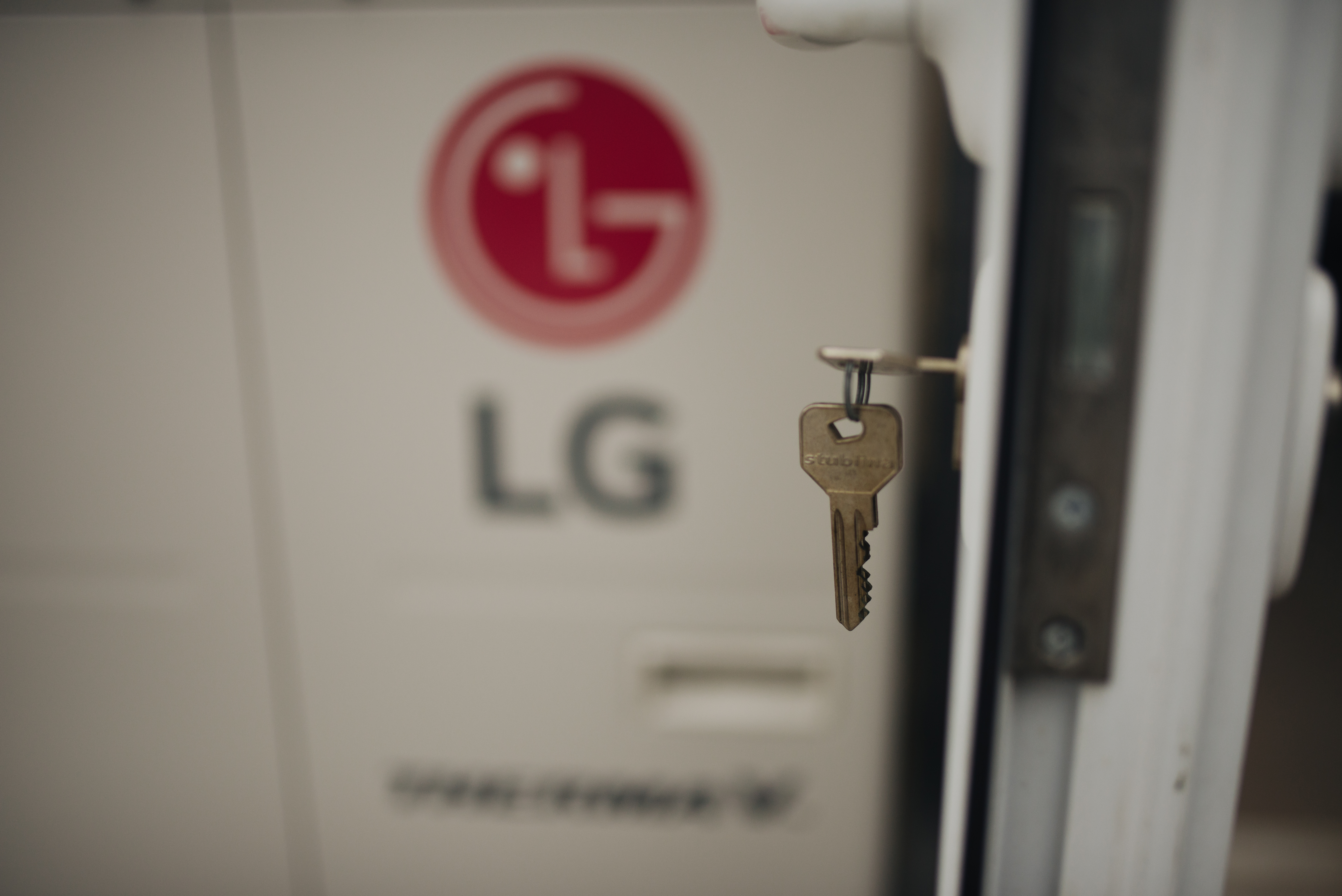
Image credits: the photograph of a key in a door lock is by Shixart1985, via Wikimedia Commons, used under CC BY 2.0 (creativecommons.org/licenses/by/2.0).