
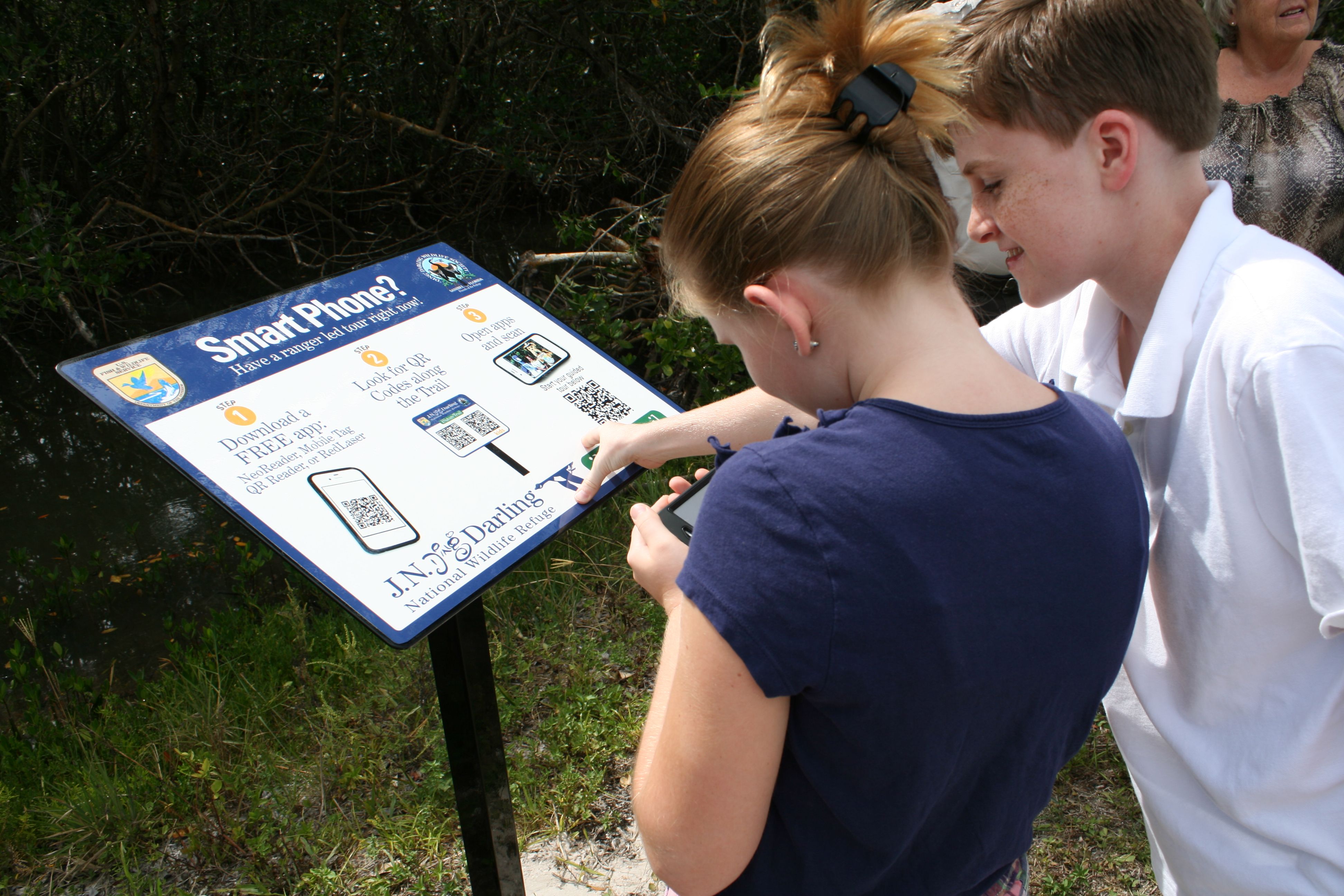
A message from someone you trust asks you to vote for a girl in a dance competition. A minute later, a stranger is reading your chats and asking your family for money.
What is actually going on
The message looks harmless, and it comes from a name and a photo you recognise: “Could you vote for Franziska? She is my friend’s daughter and the first prize is a free dance course.” The names change — Eliska, Emma, Klara, Mia, Sophia — and so does the prize, which might be a scholarship or a photo course.
Often the person whose name is on the message has no idea it was sent. Their account was taken over first, and the criminals are now using it to reach everyone who trusts them. You can see the message sitting inside a normal chat, which is exactly why it works.
The link opens a page that looks like a school or competition website. It asks for your mobile number. Then it explains that, so your vote counts, you have to enter a code or scan a QR code with your camera.
Neither step has anything to do with voting. Both are WhatsApp’s own way of using your account on a second device — the same routine you use to read your messages on a laptop. When you scan, you are not voting. You are logging the criminal in.
Nothing on your phone changes. WhatsApp keeps working, your chats stay where they are and no warning appears. On the other side, a stranger can read years of your messages and photos, and write to your contacts as if they were you.
Why this matters to you
Police in Zwickau, in Saxony, reported twelve cases in their area since mid-August, with between 500 and 615 euros taken from each victim. The German consumer advice centres warn about the same messages, and the police crime-prevention service is blunt about it: an online vote never needs a code, your phone number or a QR scan.
The money is taken a second time, from people who trust you. The criminal writes to your mother, your neighbour or your colleague in your voice, invents an emergency — “I need money today for a dental treatment” — and sends a bank account. Your contacts see your name, your photo and your old chat history. Many of them pay.
Your chats are also a private archive: family photos, addresses, documents, conversations you would not repeat. Once that material is copied onto someone else’s computer, it does not come back.
What you can actually do
- Treat any vote or competition link in a chat as suspect, even when it comes from someone you know.
- Never pass on a code that WhatsApp sent you. That code belongs to whoever started that sign-in, and this time it is not you.
- Never scan a QR code that arrives in a chat or sits on a website you do not know. Only scan a code you set up yourself.
- Look at your own account today. Open WhatsApp, then Settings (the three dots on Android, your profile picture or Settings on iPhone), then Linked devices. The list should be empty or hold only your own computer. Tap anything you do not recognise and choose Log out.
- Add a second lock. In WhatsApp open Settings, then Account, then Two-step verification and set a PIN. From then on, anyone trying to put your number on a new phone needs that PIN as well.
- If someone asks you for money out of the blue, ring them on a number you already had — never one from the chat.
- If your account was taken over, warn your contacts by phone or text message rather than through WhatsApp, then report it to the police.
Three things people get wrong
Myth: I would notice immediately
Most people do not. Your own phone behaves normally, and the extra device stays invisible unless you go looking for it. The first sign is often a friend calling to ask why you suddenly need money.
Myth: I know the sender, so it must be genuine
The message is genuine; the sender is not. It comes from a real account whose owner has lost control of it. Names and photos are exactly what is being used against you.
Myth: I never give my password away, so this cannot happen to me
Nobody asks for your password here. This trick does not steal one; it borrows the door instead. Careful people fall for it precisely because there is no password request to be suspicious about.
What to watch for next
Police have started calling this ghost pairing — a device joined to your account that you never see. The bait changes with the season: a sports poll, a scholarship, a photo course, a school contest. The last step is always the same.
Because every hijacked account is then reused to send the same request to that person’s contacts, the trick travels through families and groups of friends. One careless scan in your circle can carry it into your own chats within days.
The one thing to remember
A vote never needs a code, your phone number or a QR scan. If a page asks for one, close it.
And if you have already scanned a code you now regret, open Linked devices and log out everything you did not set up yourself. It takes a few seconds, and it is the step that ends the break-in.
Image credits: Scanning QR codes at Ding Darling Refuge by Chelle Koster Walton, U.S. Fish and Wildlife Service, via Wikimedia Commons — public domain (works of the U.S. federal government). Source: commons.wikimedia.org/wiki/File:QR_codes_at_Ding_Darling_Refuge.jpg