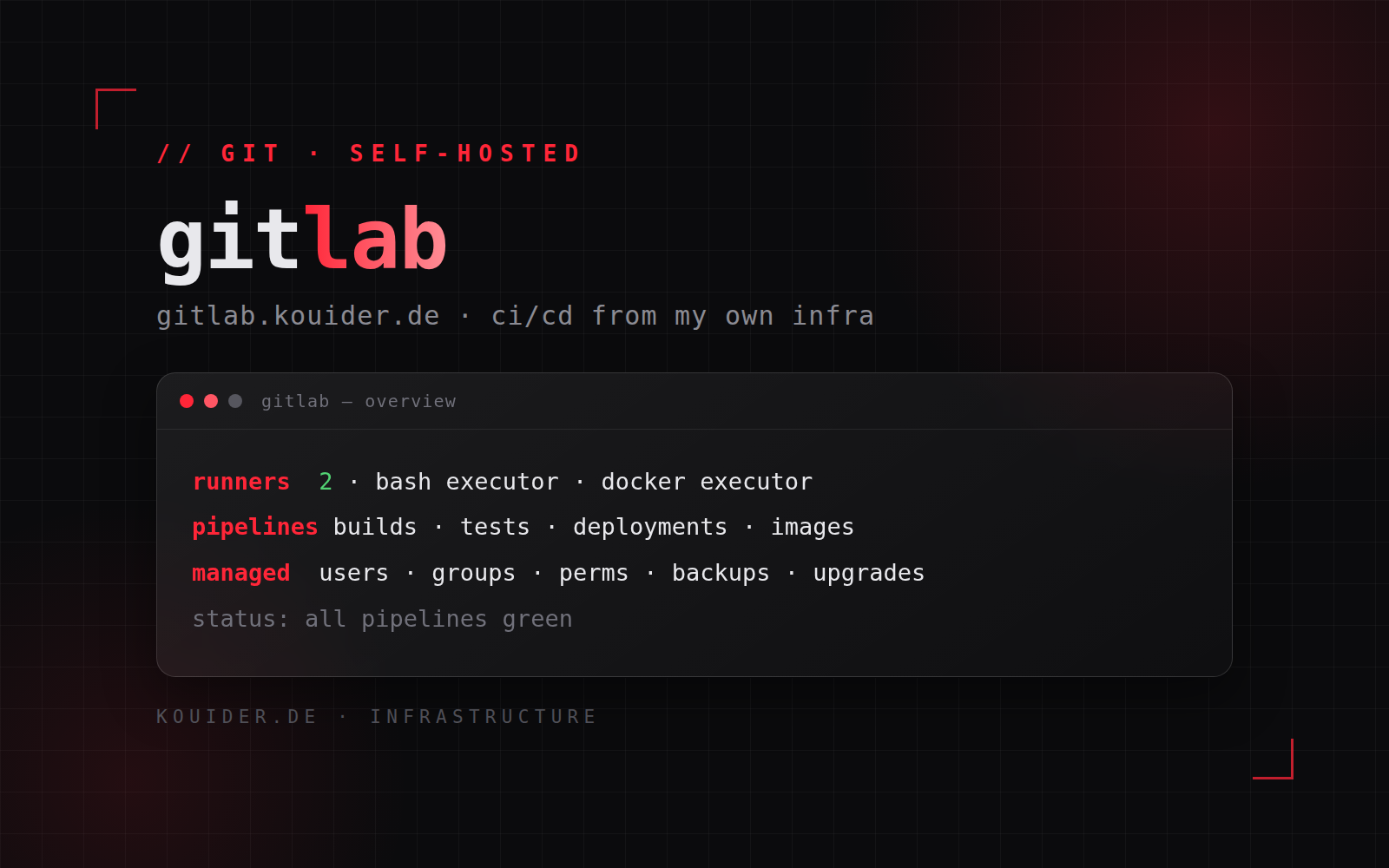
I run my own GitLab at gitlab.kouider.de — the instance and its CI infrastructure are fully managed by me, including two GitLab runners with different build strategies.
The instance
Self-hosted GitLab gives complete control: users and groups, fine-grained project permissions, repositories, and the whole CI/CD pipeline layer. Running it myself means no third-party limits on projects, storage or runner time — the platform scales with what I build.
Two runners, two build strategies
The instance is served by two dedicated runners, each chosen for a different kind of job. One executes builds directly with bash — the lightweight path for shell-based jobs, scripting, deployments and system tasks. The other builds inside Docker — isolated, reproducible container builds with fresh environments per pipeline, which is where the actual project images are produced. Splitting them keeps fast jobs fast and keeps container builds safely isolated from the host.
Pipelines & workflow
Everything on this site goes through GitLab pipelines: site builds and deployments, container images for my services, tests before anything ships. Pipeline design is a discipline of its own — job dependencies, caches, artifact handling, and making failure visible early instead of at the end.
Management
Managing the instance completely means owning the boring parts too: backups and restore testing, upgrades without downtime, storage growth, monitoring, and securing access to the instance itself. A self-hosted GitLab is only as trustworthy as its admin.
Outcome
A private, self-managed GitLab with two purpose-built runners driving the CI/CD for all my projects — built, tested and deployed from my own infrastructure.