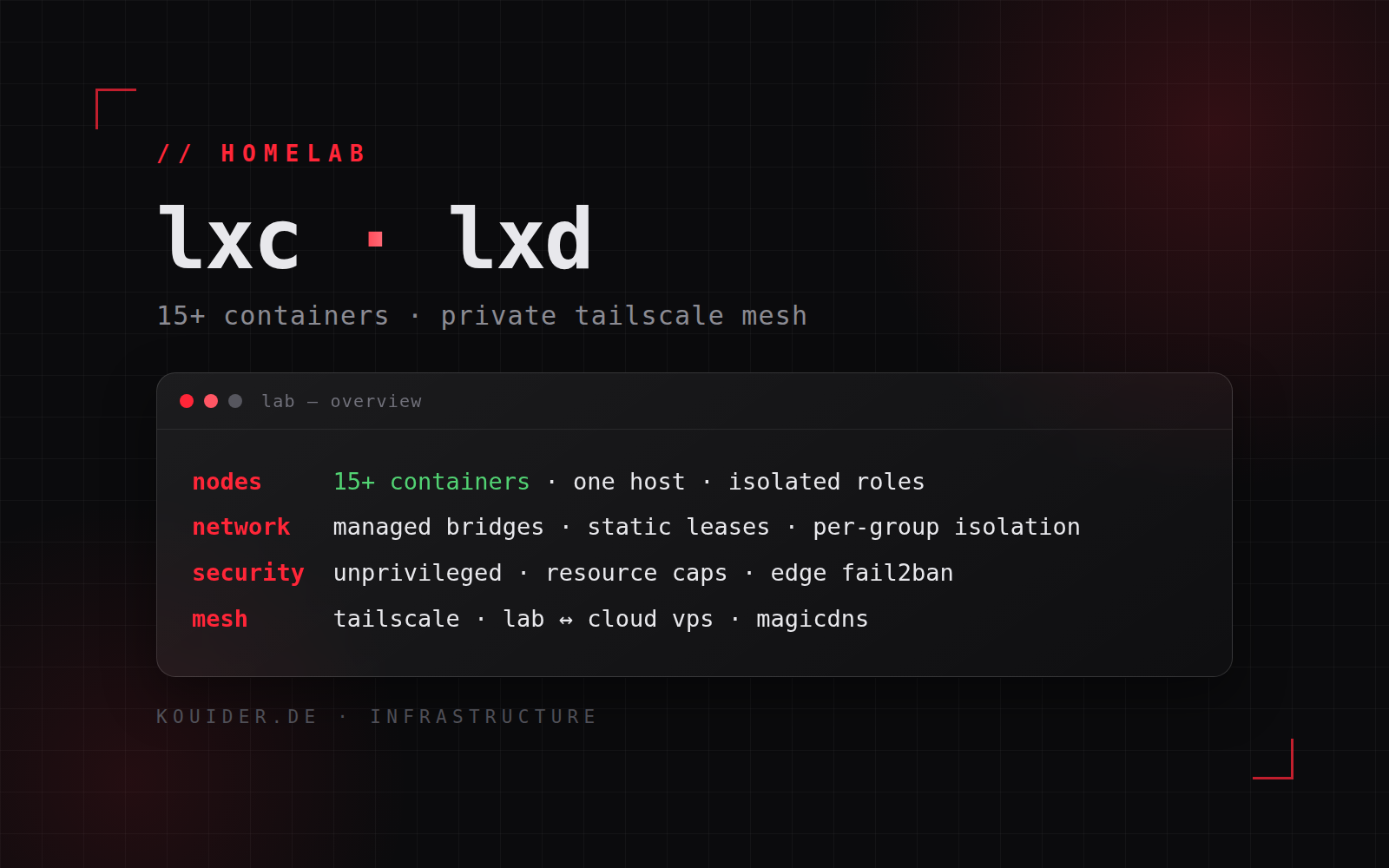
My homelab runs on LXC/LXD — a self-managed Ubuntu host running 15+ system containers, connected to my cloud VPS over a private Tailscale network. This post is about the architecture and the knowledge behind it.
Why LXC/LXD
LXC is OS-level containerisation: containers share the host kernel, so they boot in seconds with a fraction of the memory and disk a VM would need. LXD adds VM-grade management on top — snapshots, clones, resource limits, profiles — while each container still gets its own filesystem, process tree and userspace. That combination is what makes a 15+ container fleet practical on one physical box.
The fleet
Every container has a dedicated role: web gateways and reverse proxies, databases, self-hosted services (Git, container and package registries, monitoring), a DNS resolver for the home network, and throwaway sandboxes for development and CI. Isolation between roles is the point — one compromised or broken service cannot touch the others.
Managed networking
LXD manages its own bridge networks with NAT and static leases, so every container has a predictable internal identity. Containers are grouped per network — databases are only reachable from the app containers that need them. For anything public, a single gateway container exposes ports 80/443; no other container ever touches the host network.
Security model
Containers run unprivileged with restricted profiles: limited devices, read-only mounts where possible, and CPU/RAM/disk caps so no single runaway service can take down the host. Access to containers is host-controlled rather than SSH-inside-every-container, and the exposed edge is guarded with Fail2Ban. A compromise inside one container stays inside one container.
Private Tailscale mesh
The lab and the cloud VPS talk over a private Tailscale network (WireGuard under the hood). No cloud firewall ports are open for the lab, no admin service is publicly exposed — subnet routing lets cloud services reach lab containers by name, MagicDNS replaces IP juggling, and the whole fleet is manageable from a laptop anywhere in the world.
Outcome
15+ containers on one host, isolated by role, snapshot-protected, and connected to the cloud as if it were one private network — managed remotely, securely, and almost fully unattended.