
You get a text from a number you do not know. It looks harmless — a parcel, a wrong number, a job that pays well — and it asks for a small answer. Google now says your phone can follow that conversation as it happens and warn you, in the middle of it, that you are talking to a scammer.
What Google switched on this week
Google announced the new protections on 14 October. The centre of them is a switch inside Google Messages, the ordinary text-message app on most Android phones. Google calls it enhanced protection mode, and you have to turn it on yourself.
Once it is on, Google’s AI — Gemini, the same assistant that answers questions on Pixel phones — reads along while you exchange messages with a number that is not in your contacts. It is not hunting for one suspicious link, but for the shape of a scam: the slow job offer that ends in a fee, or the friendly stranger who mentions an investment weeks later.
A simpler version already runs in more than 20 countries, Germany included, and understands German. It warns you about likely scam texts and is on by default for messages from people you have never saved.
Google says the everyday version works on the phone itself, so the message never leaves your device; the stronger mode uses encrypted processing for harder conversations.
Why this matters to you
Google says Android already flags more than 10 billion suspicious calls and messages every month.
The dangerous part is rarely the first text. Scammers write messages that invite an answer — “sorry, wrong number” — because a reply proves a real person is holding the phone. From there it can run for weeks.
In Germany the stories have a familiar ring. Consumer advisers call it smishing — SMS plus phishing — and describe messages that pretend to come from your bank, the tax office or a parcel service. The tax office never sends a text about your tax assessment.
Calls are no safer than texts. The police’s own prevention advice warns that a caller can make your screen show a number that looks like your bank’s, or one from your own area code. The trick is called call ID spoofing.
What you can actually do
- Update what you already have. The new protection arrives with ordinary Android and app updates from the Play Store. There is nothing to buy.
- Check the setting. In Google Messages, tap your profile picture, then Messages settings, then Spam protection, and look for Scam detection. It should already be on. Leave it on.
- Turn on the stronger mode when your phone offers it. It is free, and it is the one thing in this article worth actively looking for.
- Do not answer a stranger’s message, not even to say “wrong number”. Use Report spam and Block instead; both sit in the menu at the top of the conversation.
- Never type a code into your phone because someone on the line read it out. Scammers use that to send your calls somewhere else, so the codes your bank texts you arrive with them instead. Google adds a warning for this in December; until then, the warning has to be you.
- Share your screen only with a support line you dialled yourself. From later this month, phones on Android 15 and newer hide passwords and card numbers while you share a screen in Chrome. Everything else stays visible.
If you use an iPhone, WhatsApp or Telegram, none of this protection covers you. The habits behind it do: no links, no codes, no money, no reply.
Common misunderstandings
Myth: Google is reading my messages now
For the everyday version, no. Google says the checking happens on your phone, and the message is not sent to Google. The stronger mode uses an encrypted space that Google says it cannot read for anything else. If you report a message, only the sender’s details and your recent messages with that sender are passed on, so other people stop getting the same texts.
Myth: my phone warns me, so I can relax
The warning lives in one app, and the strongest version reaches only the newest phones. The same scam on WhatsApp or Telegram arrives with no warning at all.
Myth: only careless people fall for this
Google tells the story of a man in California who works in IT and still stayed on a call he was certain was his bank. The number looked right, the caller knew his name and his address, and the story about a suspicious payment made sense. What stopped him was the warning on his screen. Being careful helps; it is not the same as being safe.
What to watch for next
In early December, call-forwarding protection arrives on Pixel and some other phones, so nobody can talk your phone into forwarding your calls to a stranger’s number.
Over the coming year the warning spreads beyond Google’s own phones. Samsung, Honor, Motorola, OPPO, OnePlus, realme, vivo, Xiaomi and other makers have agreed to bring it to their devices.
Abroad, Android is learning to check whether a call really comes from your bank, and to hang up when it does not. Google says that has already blocked more than three million fake calls in Brazil since June. No date for Germany yet.
The one thing to remember
A warning on your screen is a second pair of eyes, not a shield. It arrives late, covers one app, and cannot answer for you.
The rule that still works everywhere: never send money, codes or personal details to anyone whose message started the conversation.
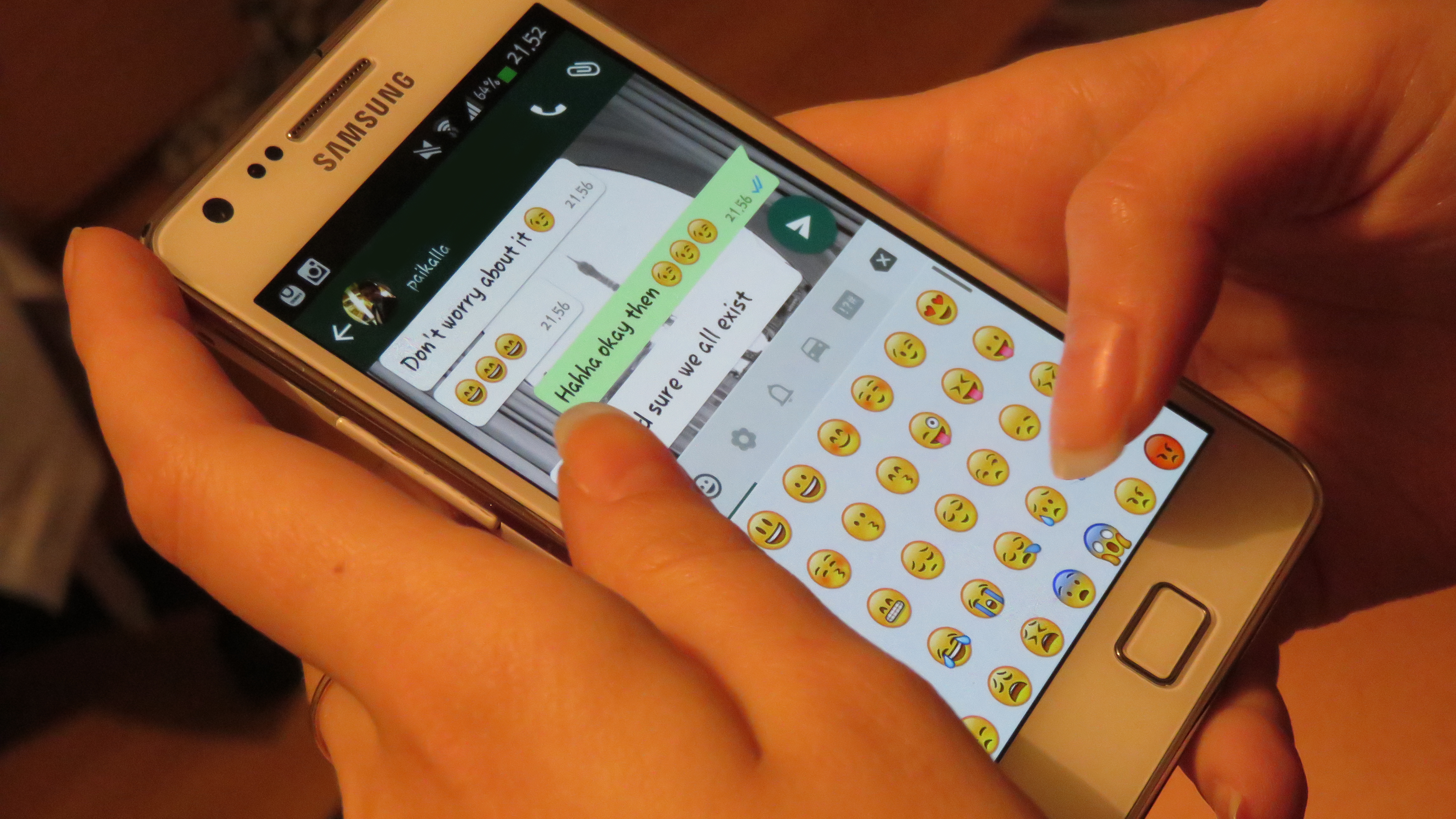
Image: “Whatsapp texting” by Helar Lukats, Wikimedia Commons, CC BY-SA 4.0.