
A warning fills your screen, says your computer is infected, and gives you a phone number to call. Nothing is wrong with your computer. The number belongs to a criminal.
What is actually going on
On 24 September 2026 the security researchers at Netskope, a company that studies online attacks, published what they had found: criminals are buying ordinary Google ads and using them to hand people a fake virus warning.
These were normal ads of the kind you see above a search result or beside a weather page. Netskope counted them on at least 284 genuine websites, including map, weather, property, document and sport sites. None of those websites was hacked. Selling advertising space is their business, and the criminals simply bought some.
The route is built to look boring. You click the ad and land on a page with a spinning circle and the words “Loading… Please wait”. Then it turns into an ordinary online shop full of product photos. Nothing else happens until you move your mouse, because that movement tells the page a real person has arrived. Then the screen changes.
On a Windows computer it pretends to be a Microsoft Defender security scan that has found malware. On a Mac it appears as warnings in Apple’s style. Both flash a phone number and tell you to call straight away.
Between 31 August and 14 September 2026 Netskope recorded clicks from at least 619 organisations. Most were in the United States, followed by Japan and Australia. The company sees only a small part of the internet, so the real number of people who met that screen is certainly higher.
Why it matters to you
Because the trap is not in your computer. It is in the ninety seconds after the warning appears, and in what you do during them.
First the page takes over the screen. One click puts the browser into full screen, so the address bar and the tabs disappear. The mouse pointer is hidden. The page asks the browser to swallow the Escape key. Alarm sounds play, the page stutters on purpose, and a black screen flashes “Do not restart or operate the computer. Call immediately.” Trying to close the tab only brings the message back.
It feels like a broken machine. It is a web page in a costume. Your computer is not locked, and the page has no access to your files, your photos or your accounts.
Then comes the phone call, which is the real point of the whole thing. People who ring the number are pushed to pay for repairs that never happen, to hand over control of their computer to a stranger, or to give away bank and personal details. Google says it has “zero tolerance for scams” and is investigating the campaigns. It has not said whether the ads are gone.
What you can actually do
- Do not call the number. No honest company ever asks you to ring a hotline because your computer is infected.
- Take the screen back: press and hold the Escape key for a few seconds. That forces the browser out of full screen and releases the keyboard, and then you can close the tab.
- If holding Escape does nothing, force the browser shut. On Windows press Ctrl, Shift and Esc together to open the Task Manager, then close the browser there. On a Mac press Command, Option and Esc together to open Force Quit.
- Reopen the browser without restoring the last session, so the page does not come straight back.
- If you already called and let someone into your computer, treat it like a break-in. Change your email and banking passwords from a different device and check your bank statements.
- Never let a caller or a web page install anything for you. Real security software updates itself, and it speaks in its own window, not inside a browser page.
- When you want to know whether a warning is genuine, close the browser and open your own security program from the Start menu or your applications folder.
Common misunderstandings
Myth: it said my computer was infected, so something must be wrong
A web page can print anything on the screen, including a convincing security scan. Your own security program is the thing that can tell you whether your computer is infected, and it speaks in its own window.
Myth: it appeared on a site I trust, so that site is infected
The websites that carried these ads were not hacked. They rent out advertising space, and the criminals paid for it. A serious website can still carry a dishonest ad, which is exactly why an ad cannot be your proof that something is real.
Myth: I would never fall for that
This kit is built for one moment: no address bar, no mouse pointer, alarm sounds and a screen that stutters. Many people who are sure of themselves have paid for that moment, and knowing what it is beforehand is the whole defence.
What to watch for next
Expect the same trick elsewhere, because fake virus warnings and fake support numbers have worked for years. The version to watch for on a phone is a web page claiming your device is infected and offering a number to call. The answer is the same: do not call, close the page, and check with software you opened yourself.
The one thing to remember
Your computer is not locked, and no honest company asks you to ring a number because of a warning on a web page. Hold Escape, close the tab, and if you have already made the call, ring your bank today.
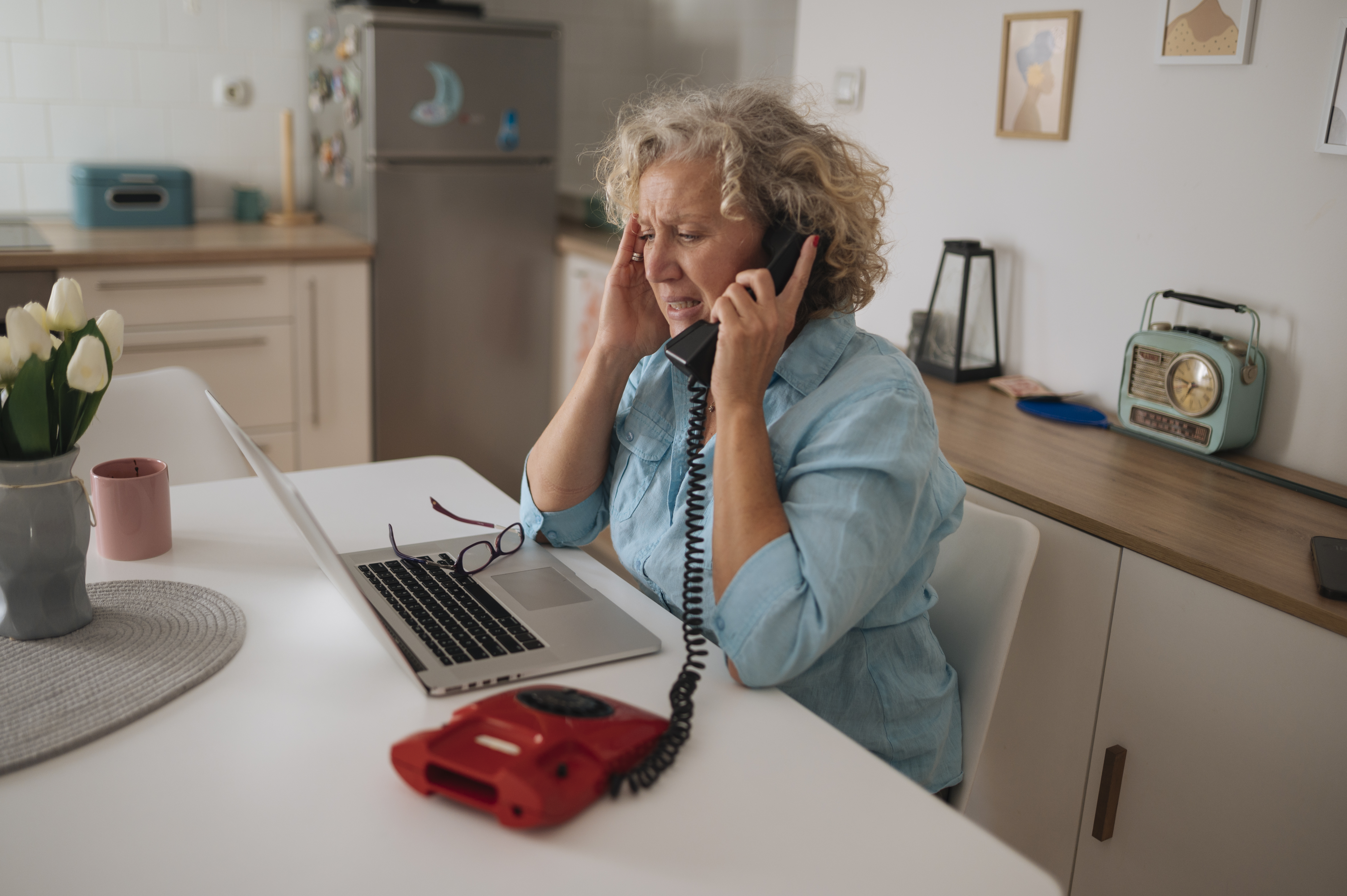
Image credit: Older woman multitasking on the phone while managing tasks on her laptop by Shixart1985, via Wikimedia Commons, licensed CC BY 2.0 (creativecommons.org/licenses/by/2.0).