
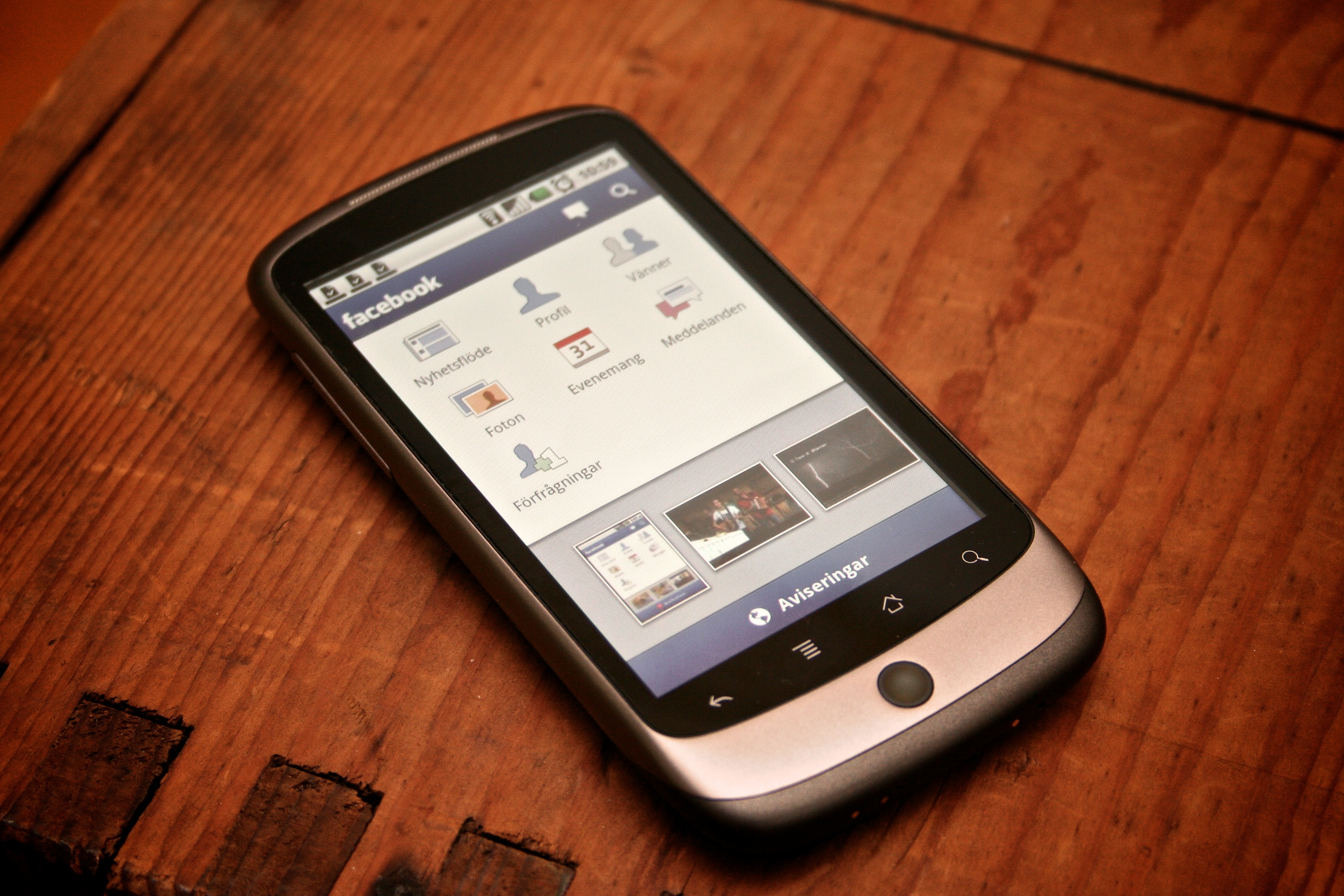
There is a good chance you once tapped “allow” on a Facebook pop-up without reading it to the end. Italy’s privacy regulator has now put a price on what that tap hands over: €805 million.
What Italy decided
The Italian Data Protection Authority, the country’s privacy watchdog, announced the decision on Saturday. It fined Meta Platforms Ireland €805 million over how the Facebook app on Android phones got hold of people’s photographs, videos and the details stored with them. About 20 million Android users in Italy were affected, the regulator said.
The feature at the centre of it is called “Get suggestions from your gallery while you browse Facebook”. It has been in the Android app since 2023. While you scroll, it offers photos and videos from your phone as things you might want to post. To offer them, it has to read them first.
What the regulator found
Three things were wrong, according to the decision. The app asked for gallery access with a single permission that covered the whole app and several features with different purposes. The prompt in front of it said something vague about “enabling other features”, so nothing told you that photo suggestions were part of the deal. And the feature itself was switched on by default.
When a permission like that is granted in full, the app can read the entire photo archive on the phone, usually permanently. Neither you nor the regulator can check which of those pictures were actually used.
The rule broken was Article 122 of Italy’s privacy code, which carries the European ePrivacy rules into national law. It treats your phone as part of your private life. Reading what is inside needs consent that is free, informed and specific — whether or not anything is sent anywhere, and whether or not you can point to a loss.
Meta says it will appeal and called the fine disproportionate. A spokesperson said it is a feature that helps people share photos, that users must grant permission on their device before it works, and that they can change it at any time in their settings.
Why it matters to you, even outside Italy
Your gallery is not a folder of holiday pictures. It holds your children’s faces, the photo of your passport you took for a form, receipts, screenshots of private conversations, a picture of a prescription. The details stored with each photo — time, place, sometimes the phone model — say where you were and when.
The decision binds Meta in Italy. The app, the permission prompt and the default are the same on your phone. The European rule the regulator relied on exists in every EU country, and the Italian authority rejected Meta’s argument that only Ireland should be allowed to judge it.
That last point matters more than it sounds. For years, cases against large American platforms in Europe went to the Irish regulator, because that is where their European headquarters sit. Italy said the rule that protects the phone in your pocket has no such one-stop arrangement.
What you can actually do
You do not have to delete Facebook. You need to know which apps can see your pictures, and change that in a few taps.
- On an Android phone: open Settings, then Apps (some phones say “See all apps”), then Facebook, then Permissions, then Photos and videos. Choose “Don’t allow”, or “Select photos” if your phone offers it. Older phones call the same permission “Storage” or “Files and media”.
- On an iPhone: Settings, then Privacy & Security, then Photos, then Facebook. Choose “Selected photos” or “None”.
- When any app asks for your photos, pick the smallest option on the screen: “Select photos”, “Limited access” or “Only this once”. “Allow all” hands over the whole library.
- Do the same for Instagram, WhatsApp, TikTok and every shopping app. Almost all of them work without your gallery.
- Look at the apps you installed for one job and kept: a torch, a scanner, a game. None of them needs your pictures.
- Take five minutes a month. On Android, open Settings, then Security and privacy, then Permission manager, and read the list of apps with photo access. On an iPhone the same list is under Settings, then Privacy & Security, then Photos.
- In Germany, if a company ignores a request about your data, you can complain to the data protection authority of your federal state. It is free, and it is for ordinary people, not lawyers.
Common misunderstandings
“This is an Italian problem.”
The fine is Italian. The app is not. The same Android build and the same kind of permission prompt reach phones in Dortmund, Berlin and Vienna. What Italy showed is that the rule can be enforced at all.
“The app only sees the photo I picked.”
That is how it should work, and on newer phones it can. The finding was the opposite: one broad permission let the app read the whole archive, with the details attached to each file. “Select photos” is the setting that makes that sentence true.
“I have nothing worth hiding.”
The value is not in any single picture. It is in the pattern: where you were, who is in your family, which documents you photographed, what you screenshot. Gathered together, that is worth more than any one photo.
What to watch for next
Meta has 60 days to ask for permission in a separate, specific request, and to keep the feature off by default — including for people who already agreed. After that deadline it cannot be switched on for anyone without valid consent.
The regulator is also examining separately a newer feature, launched in 2026, that processes gallery content in the cloud. And watch your own phone: if a new consent screen about photo suggestions appears in the coming weeks, that is this order arriving where you live.
The one thing to remember
One tap on a permission pop-up is not a small thing. It can hand an app every picture you have ever taken, with the places and the dates attached.
Set photo access to the smallest option on the apps you really use, and check it again after the next big update.
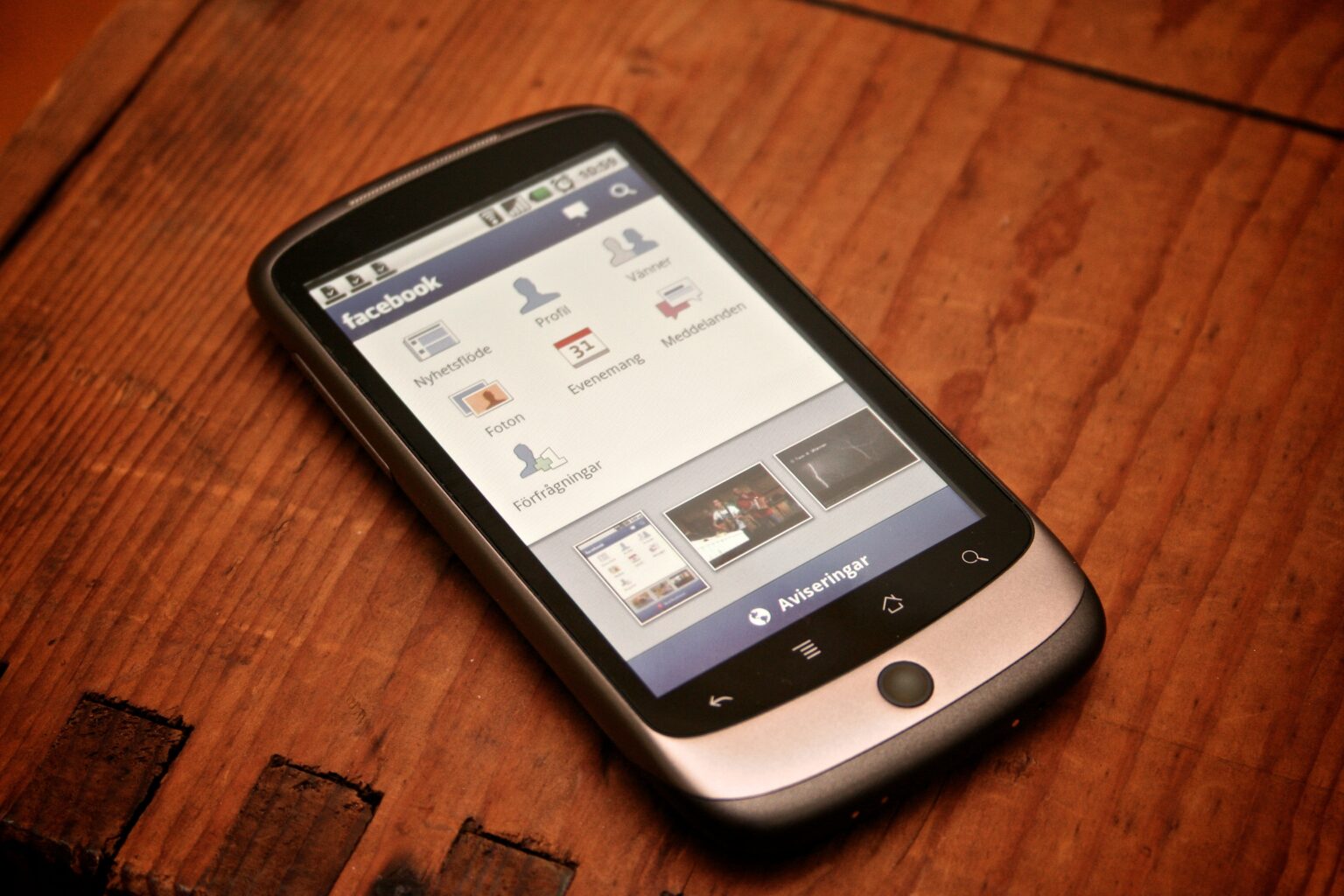
Image: the Facebook app on an Android phone. Photo by Johan Larsson, via Wikimedia Commons, licensed CC BY 2.0 (creativecommons.org/licenses/by/2.0).