
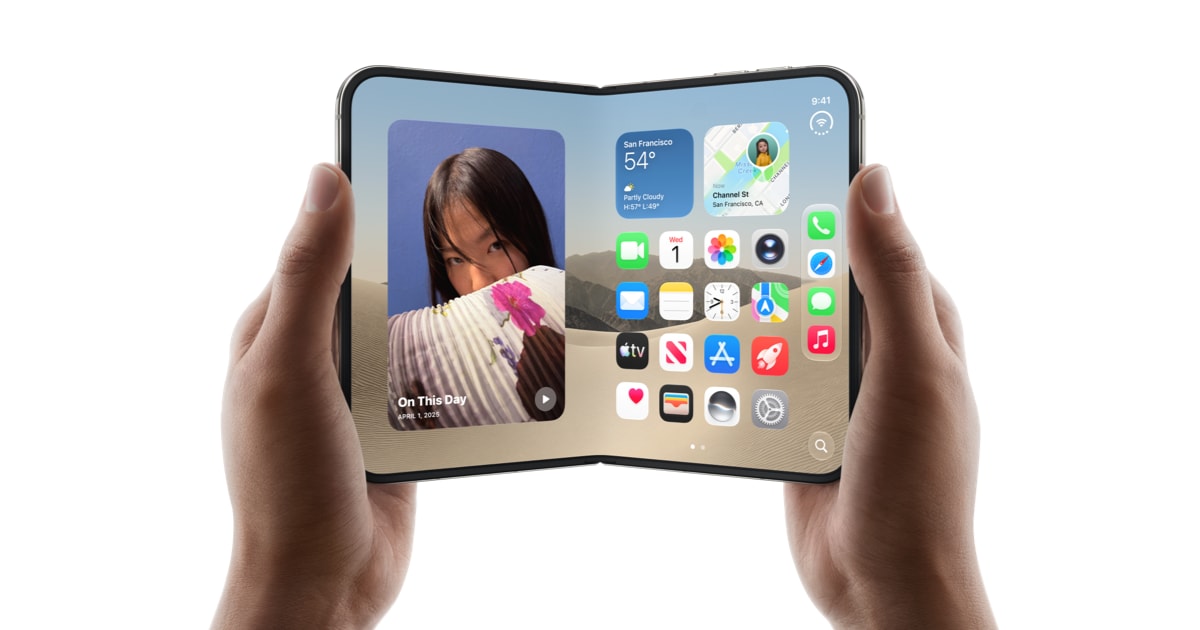
Apple’s new foldable phone reaches shops in a few weeks. Scammers are already offering it — and one of their fake pages attacks your iPhone the moment it opens.
What is actually going on
Apple showed off its first foldable phone, the iPhone Duo, on 9 September. You cannot preorder it from Apple until 16 October, and it does not arrive in shops until 23 October.
The scammers did not wait. Security researchers at Malwarebytes found a fake Apple page that promises a 500-dollar voucher and free AppleCare+ insurance for an early preorder. It copies Apple’s design closely, down to the logo and the copyright line at the bottom.
That page is not only after your details. It is trying to break into your phone. Researchers call the tool it uses DarkSword — a set of weaknesses in older iPhones that Apple fixed earlier this year. A copy of that tool is now loose online, so it sits in the hands of ordinary criminals rather than a few spies.
The part that should make you stop: you do not have to do anything. You do not have to fill in the form, download a file or approve a warning box. Opening the page is enough to start the attempt.
Why it matters to you
If the attempt works, the program behind the page goes looking for what matters most on a phone: your saved passwords, your messages, your emails, your contacts, your calendar, your photos and the places you have been.
It also hunts for apps that hold cryptocurrency — digital money such as Bitcoin. If it finds one, it tries to copy the files that control that money and send them out.
There is a second trap in the page itself. It dangles a 500-dollar voucher, far more than a real shop would hand over, and starts a countdown clock that resets every time you reload. That clock is not counting towards anything. It is there to rush you.
Two more details give it away: the page lists colours and screen sizes that Apple does not sell for this phone, and its privacy, terms and sales links lead nowhere.
The people most at risk are the ones the page is aimed at — someone excited about a new phone while still carrying an older one that has not been updated.
What you can actually do
- Update your iPhone today. Open Settings, tap General, then Software Update, and install whatever it offers. Turn on Automatic Updates on the same screen so it keeps happening by itself.
- Reach shops by typing the address yourself. Type apple.com or your phone provider’s address into the browser, or open the Apple Store app. Never arrive at a shop through a link in an advert, a text message or a social media post.
- If you already opened a page like this, update the phone and then restart it. Researchers found nothing in the code that restarts itself after a reboot. Restarting cannot undo anything already taken, though.
- Change your passwords from a different device, such as your laptop. Start with your email, your Apple account and your bank, and switch on two-factor authentication. That is the second check, usually a code sent to your phone, which a thief cannot get past with a password alone.
- If you keep a cryptocurrency wallet on your phone, create a new wallet with a new recovery phrase and move your money into it. A recovery phrase is the list of words that restores a wallet; anyone who reads yours owns your money.
Common misunderstandings
Myth: A webpage cannot do anything unless I click
That used to be true. Modern iPhones are built so a website cannot reach your files. The catch is that the protection only holds while your phone’s software is current. When a weakness is found, Apple fixes it — but a phone left on an older version keeps the older weakness. That is exactly the gap this page aims at.
Myth: I would notice if my phone were broken into
There is nothing to notice. No warning appears, nothing slows down, and no strange app shows up that you could delete. The page behaves like a normal shop from start to finish and even thanks you for a successful preorder. Researchers at Malwarebytes read the code but did not run it on a real phone, so nobody yet knows how many people it has caught.
Myth: I have an iPhone, so I am safe
An updated iPhone is protected — Apple says its fixes close the weaknesses this page uses. But a fix only reaches a phone that has been updated, and many people put that off for months. The Apple logo on the box does nothing for a phone that has not been updated.
What to watch for next
The iPhone Duo arrives in shops on 23 October, and fake pages will follow the excitement. Expect the same trick with anything in short supply: games consoles, concert tickets, limited-edition trainers. Watch for a discount that is too large, a countdown clock, and a link you did not ask for. A shop you typed in yourself is a shop you can trust.
The one thing to remember
All this page needs from you is that you open it. Keep your phone updated, and reach shops by typing the address yourself instead of tapping a link. Those two habits will carry you past this scam and the next one.
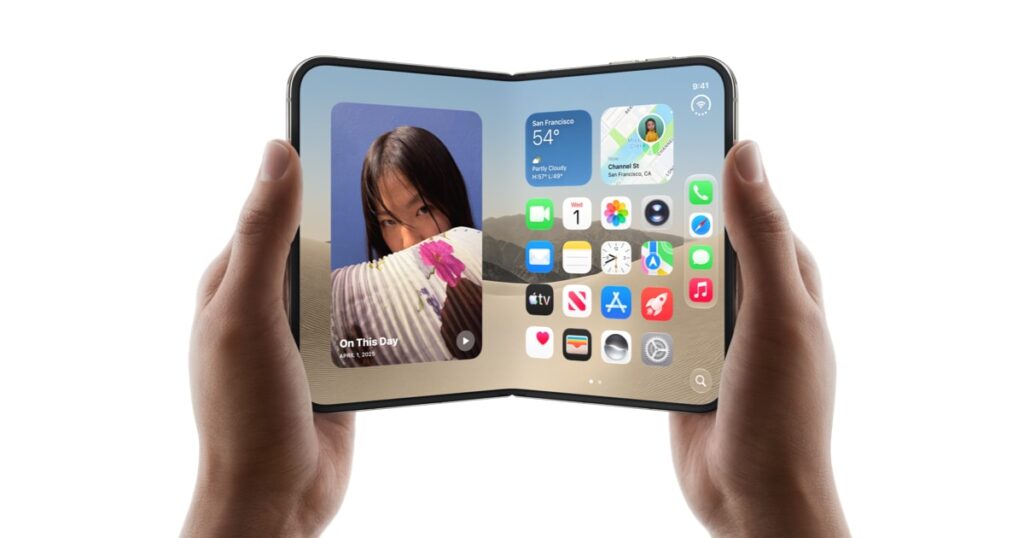
Image: Apple’s official press photograph of the iPhone Duo, from the Apple Newsroom announcement of 9 September 2026. Used editorially.