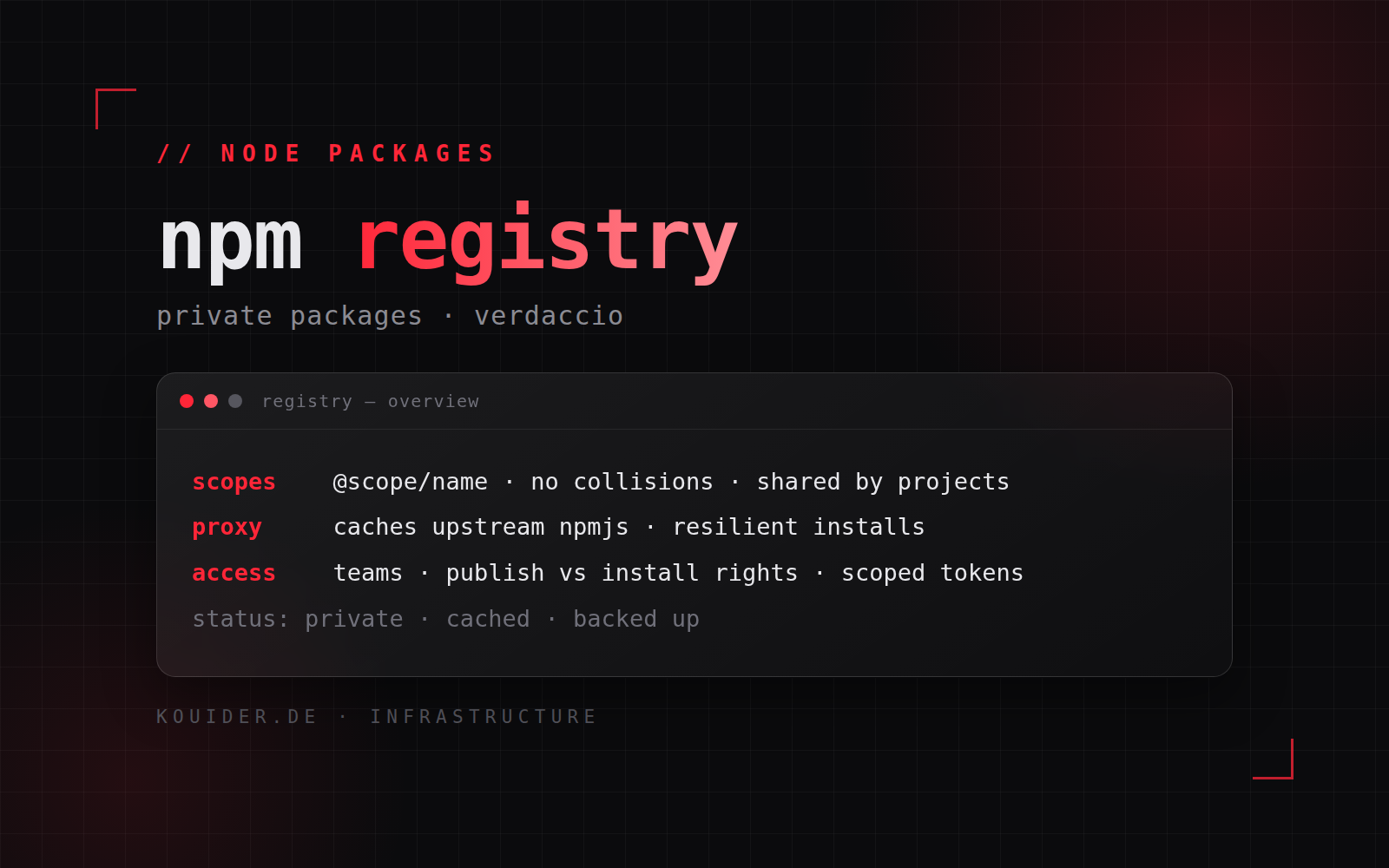
A self-hosted NPM registry (Verdaccio) for my private packages — scoped, proxied, and shared by all my projects. This post covers the platform and the knowledge behind it.
Why a private NPM registry
Internal libraries and shared code belong on a private registry: they stay out of the public npm registry entirely, they’re available to every project that needs them, and the registry itself caches public dependencies so installs are fast and resilient even when the public registry is slow or down.
Scoped packages & proxying
The two concepts that make a private registry work are scoped packages and proxying. Scoped packages (@scope/name) give private packages their own namespace, so an internal library can never collide with a public one. Proxying means the registry is the single entry point — public packages are fetched through it and cached locally, so every subsequent install is served from my own infrastructure instead of hitting the public registry again.
Access control
Teams and permissions are split by role: developers can install anything, but only authorised users can publish, and the CI pipeline uses scoped tokens with publish rights to specific packages only. Nothing on the registry is open by default.
Integration with the build flow
Every project and pipeline installs through the registry — developers and CI see the same packages, the same versions, the same cache. Publishing a version once makes it available everywhere immediately, and versioning rules stay consistent across all projects.
Operations
Running it on my own stack (Docker, Nginx, Node.js backend) means owning storage, the cache, backups and availability — quiet responsibilities, but the whole toolchain depends on them.
Outcome
Private packages published and installed across all my projects through one registry — scoped, cached, permission-controlled and self-hosted.